Buildups + drops
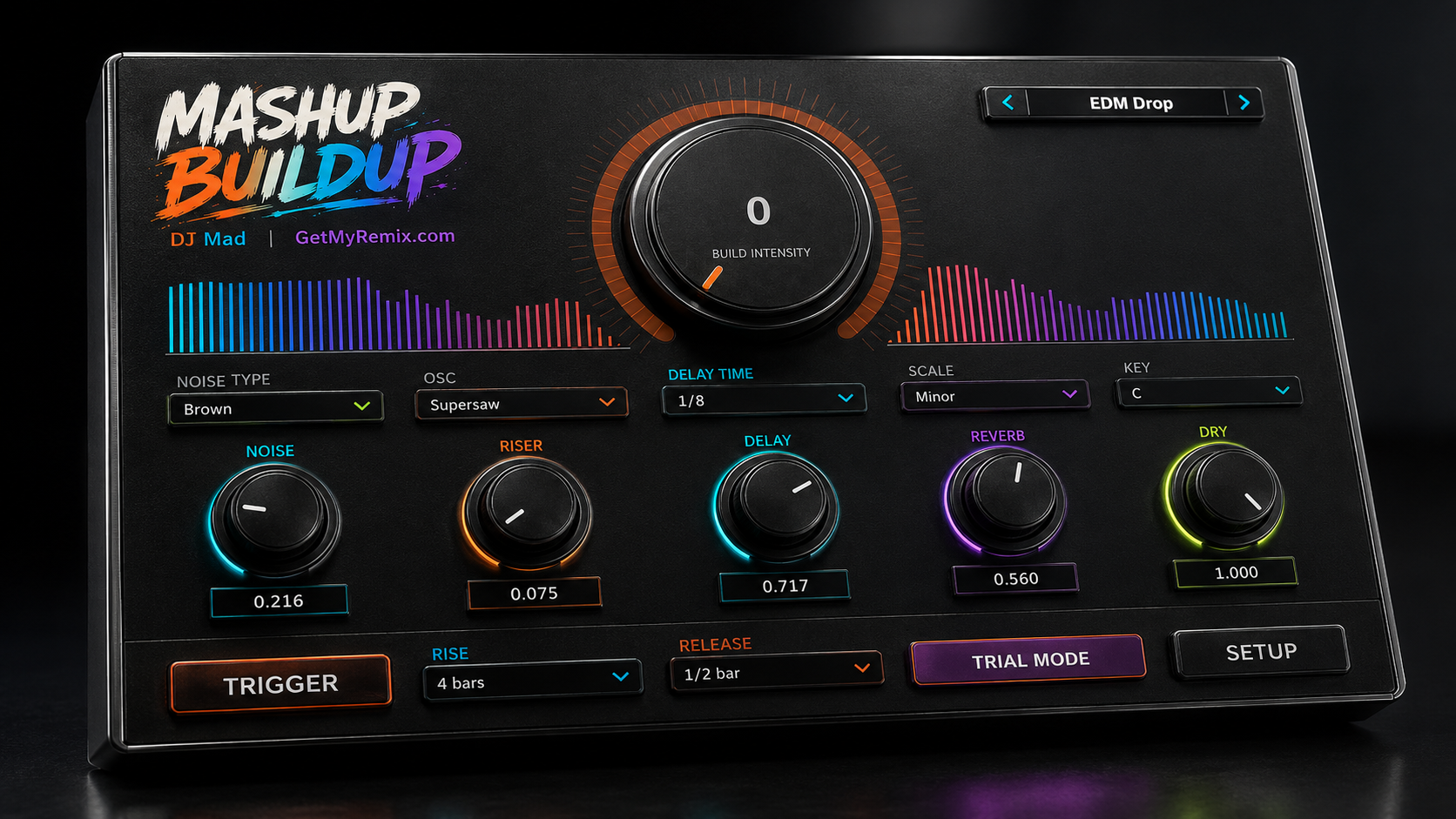
Push tension with filters, rhythmic CHOP, delay feedback, and rising XY gestures—then release cleanly into the next section.
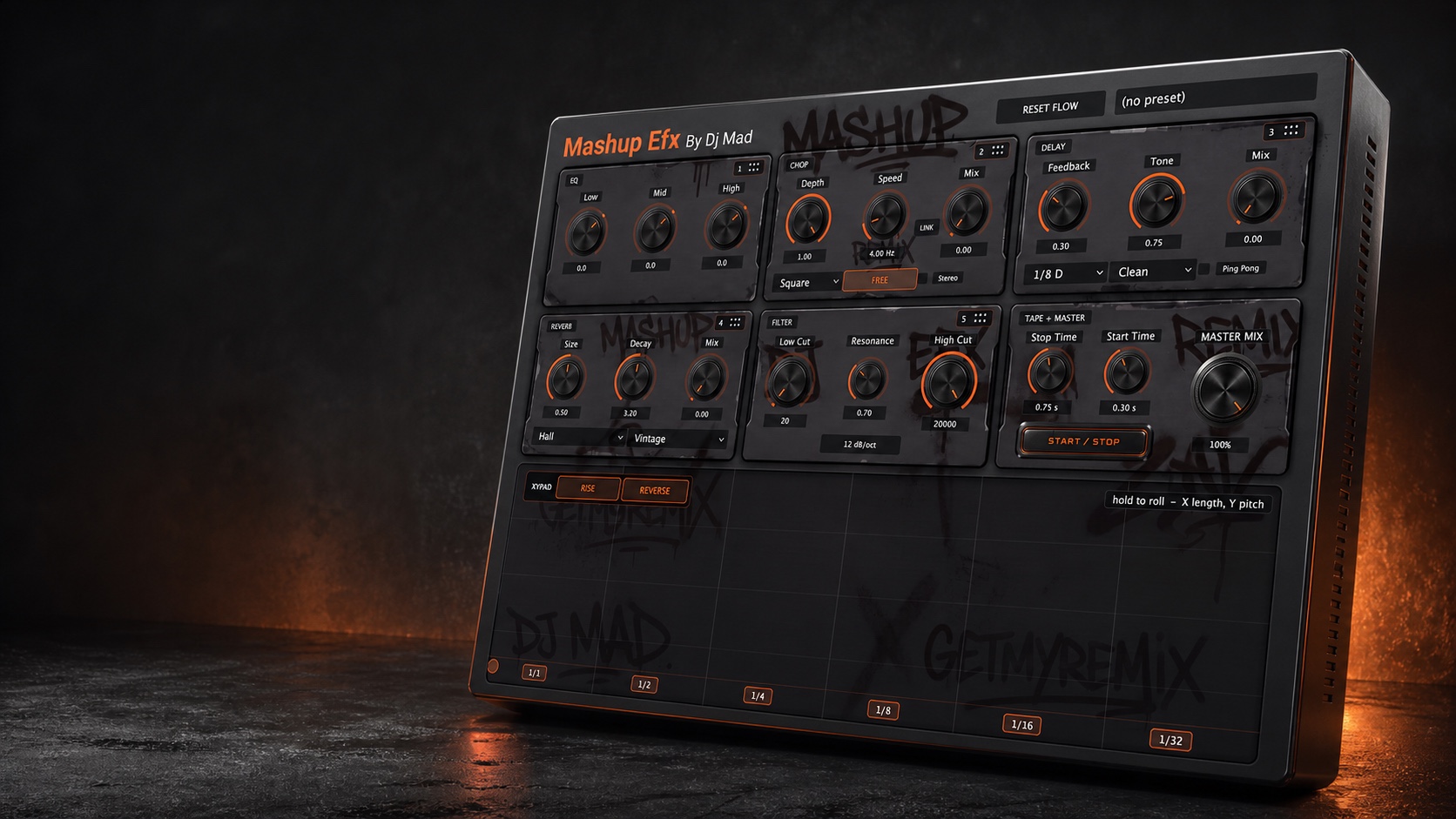
Build club-ready transitions, stutters, tape stops, filter sweeps, delay throws, and moving textures from one compact plug-in—then drag the modules into the order that fits the moment.
Mashup EFX keeps the controls DJs reach for most in one visual performance surface, without making you build and automate a long chain of separate plug-ins.
Push tension with filters, rhythmic CHOP, delay feedback, and rising XY gestures—then release cleanly into the next section.
Use the XY pad and CHOP to turn sustained audio into musical repeats, gates, pulses, and hardware-style performance gestures.
Combine high/low sweeps, delay throws, ambience, and tape transport to connect records or arrangement sections with intent.
Add tone, space, stereo movement, timing, and character to sources that feel flat without burying the musical idea.
The performance pad creates the initial gesture. Five processing modules can then be reordered to color that gesture differently, while tape transport and the final Master Mix remain safely anchored at the end.
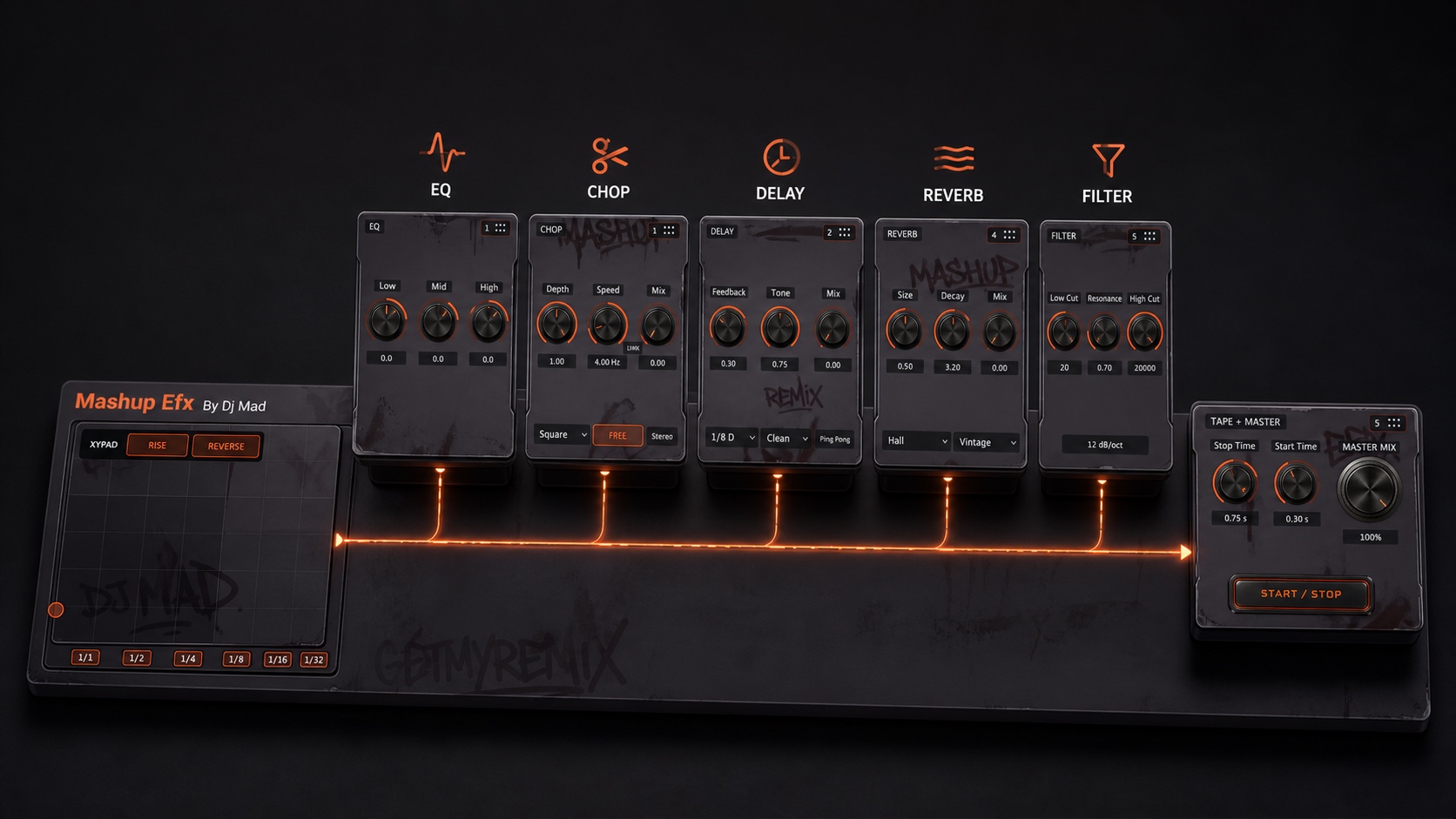
Putting CHOP before Delay creates repeating chopped motion. Moving Delay before CHOP gates the echoes themselves. Put Filter last to sweep the entire effect tail, or move it earlier to feed darker repeats into the rest of the chain.
Every module has a clear job, starts neutral or dry where appropriate, and now includes its own dedicated bypass for instant A/B checks without losing the module’s settings.
Hold the pad to roll. X selects the musical length; Y moves pitch. Rise and Reverse begin ready, while visible divisions make the performance area immediately understandable.
1/1 · 1/2 · 1/4 · 1/8 · 1/16 · 1/32Shape lows, mids, and highs with immediate DJ-style control. Move the entire EQ earlier or later in the effects chain depending on what you want it to influence.
Low · Mid · HighCreate gates, pulses, stutters, and stereo motion. Square is the musical default, Speed starts in free mode, and Depth starts at 100% while Mix remains off until you bring it in.
Free + sync · Sine / Triangle / Square · StereoBuild clean, tape, or lo-fi repeats with feedback, tone, mix, and optional ping-pong motion. The default dotted-eighth setting is ready for immediate rhythmic movement.
1/8 D default · Dotted + triplet divisionsChoose Plate, Room, or Hall and Modern, Vintage, or Dark character. Size, Decay, and Mix keep throws and transition tails fast to shape.
Plate / Room / Hall · Modern / Vintage / DarkDedicated Low Cut and High Cut controls share a centered Resonance control for wide DJ sweeps, focused movement, and clean transitions without mode switching.
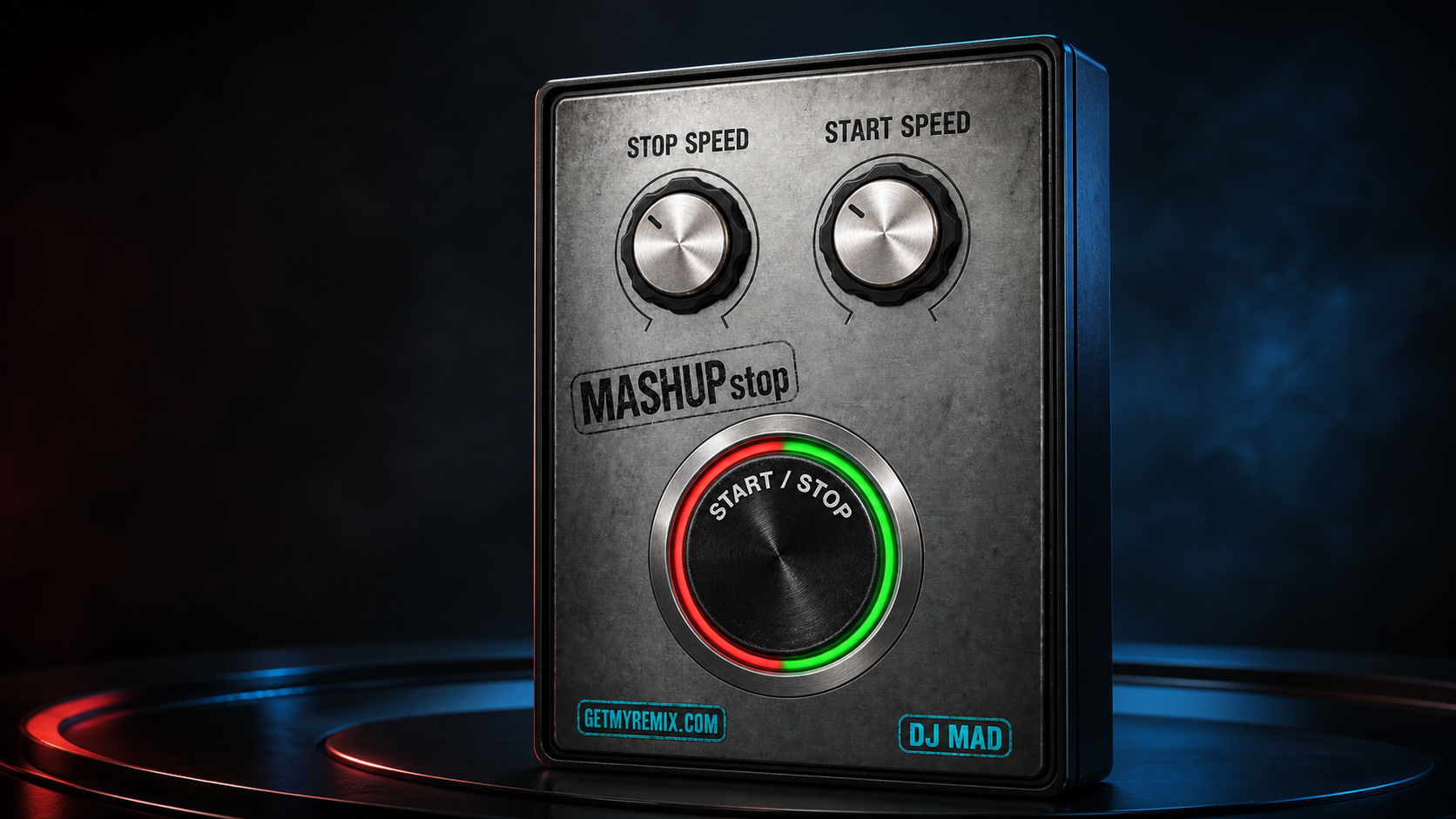
12 or 24 dB/oct · Shared resonancePress one performance button to slow the source to a stop or restart it with pitch acceleration—not a simple volume fade. Set stop and start timing independently.
Independent Stop Time + Start TimeBlend the complete processed chain against the untouched input from one oversized final dry/wet control. It stays at the end regardless of module order.
0–100% global dry/wetLink CHOP Speed and Mix from their current positions. The relationship is preserved instead of forcing both controls to the same value.
Link from the sound you already createdChoose a view to inspect the exact released layout, the modular architecture, a custom module order, and the final Tape + Master controls.
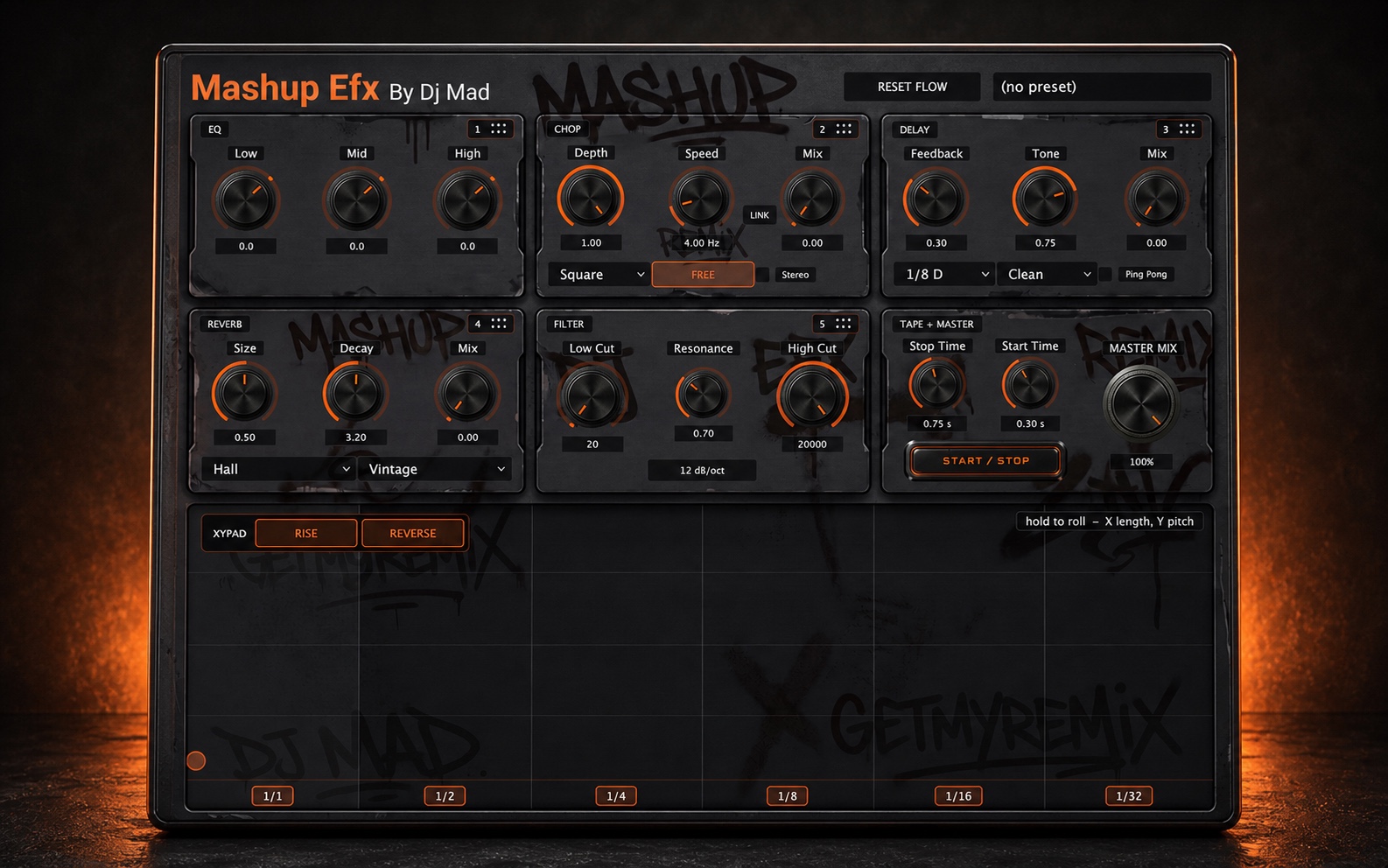
Start with the XY pad for a roll, rise, reverse, and pitch-moving transition gesture.
Bring in CHOP, Delay, Reverb, EQ, and Filter, then drag them into the order that creates the response you want.
Use Tape Start / Stop for transport-style transitions and Master Mix to blend the complete effect against the original source.
Automate supported parameters or map them through your DAW to MIDI knobs, faders, pads, and performance hardware.
Mashup EFX is designed for responsive real-time control in live and studio workflows. One focused interface reduces the friction of managing a long chain of independent effects.
Version 1.1.1 lets you test-drive the complete Mashup EFX workflow on your own music before purchasing, using the same signed installer for trial and paid activation.
Version 1.1 adds independent bypass control across the complete signal flow, making it faster to compare, perform, and recover a sound without changing its settings.
One performance console. Your module order. No dead space.
Try Free for 3 DaysQuick start, complete controls, activation help, compatibility, and every published update are organized in one mobile-friendly guide.
Share feedback, request improvements, report an issue, or learn from other users.