
Mashup Master
Test-drive every mastering feature on your own edits, mashups, and mixtapes. Hear what Mashup Master does for your sound before you buy.
No credit card required. Your three days start when you activate the plug-in.
macOS 13+ · Apple Silicon & Intel · AU + VST3
Instant download after purchase, with your own license key. Activates on up to a set number of machines with a periodic online check. All plug-in sales are final.
Try the full mastering features. Purchase a license to keep using the same installed plug-in after your trial.
Mashup Master overview
Mastering without the guesswork
Traditional mastering tools can overwhelm DJs with technical controls and unfamiliar terminology. Mashup Master places the important decisions directly in front of you.
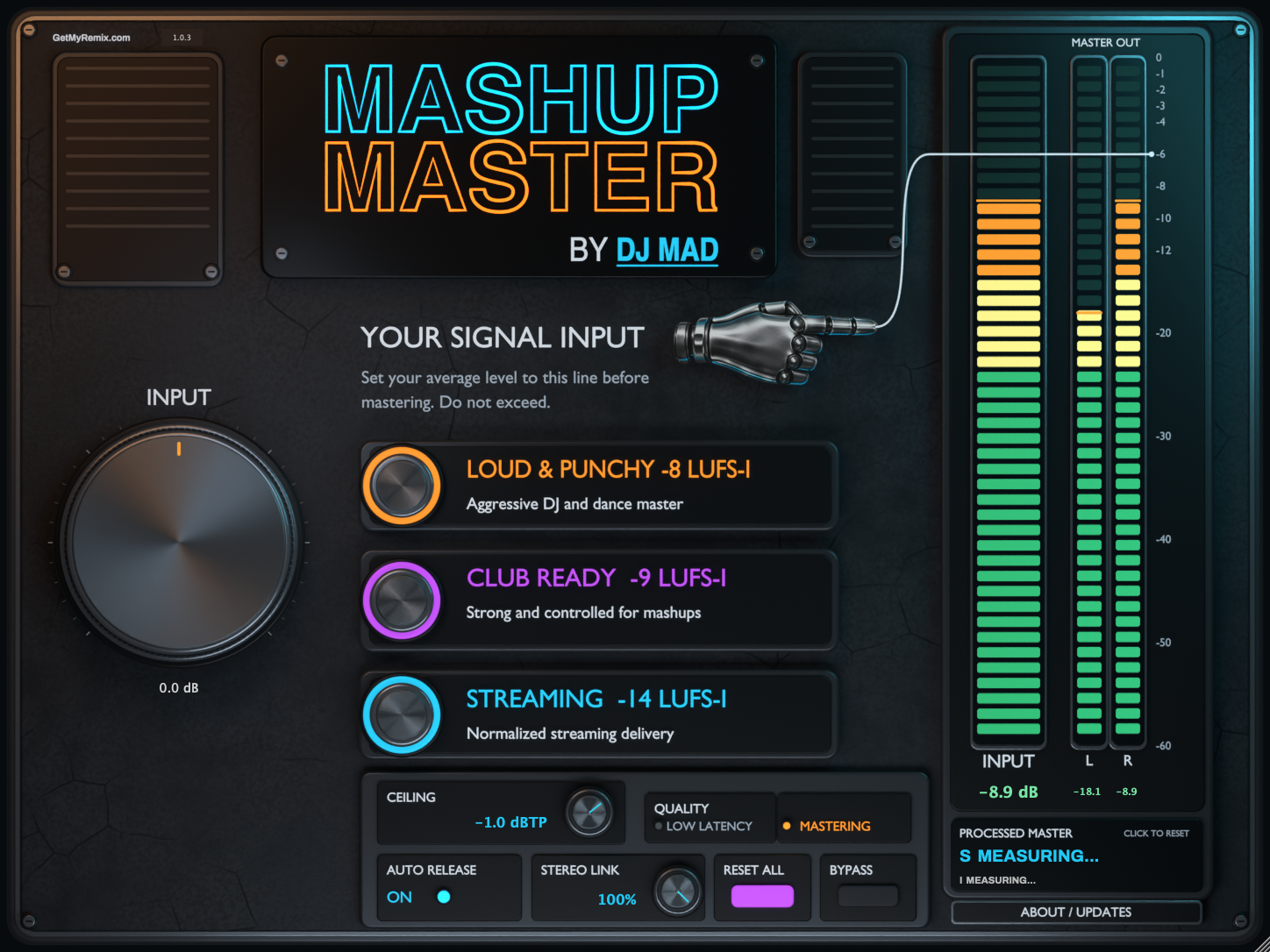
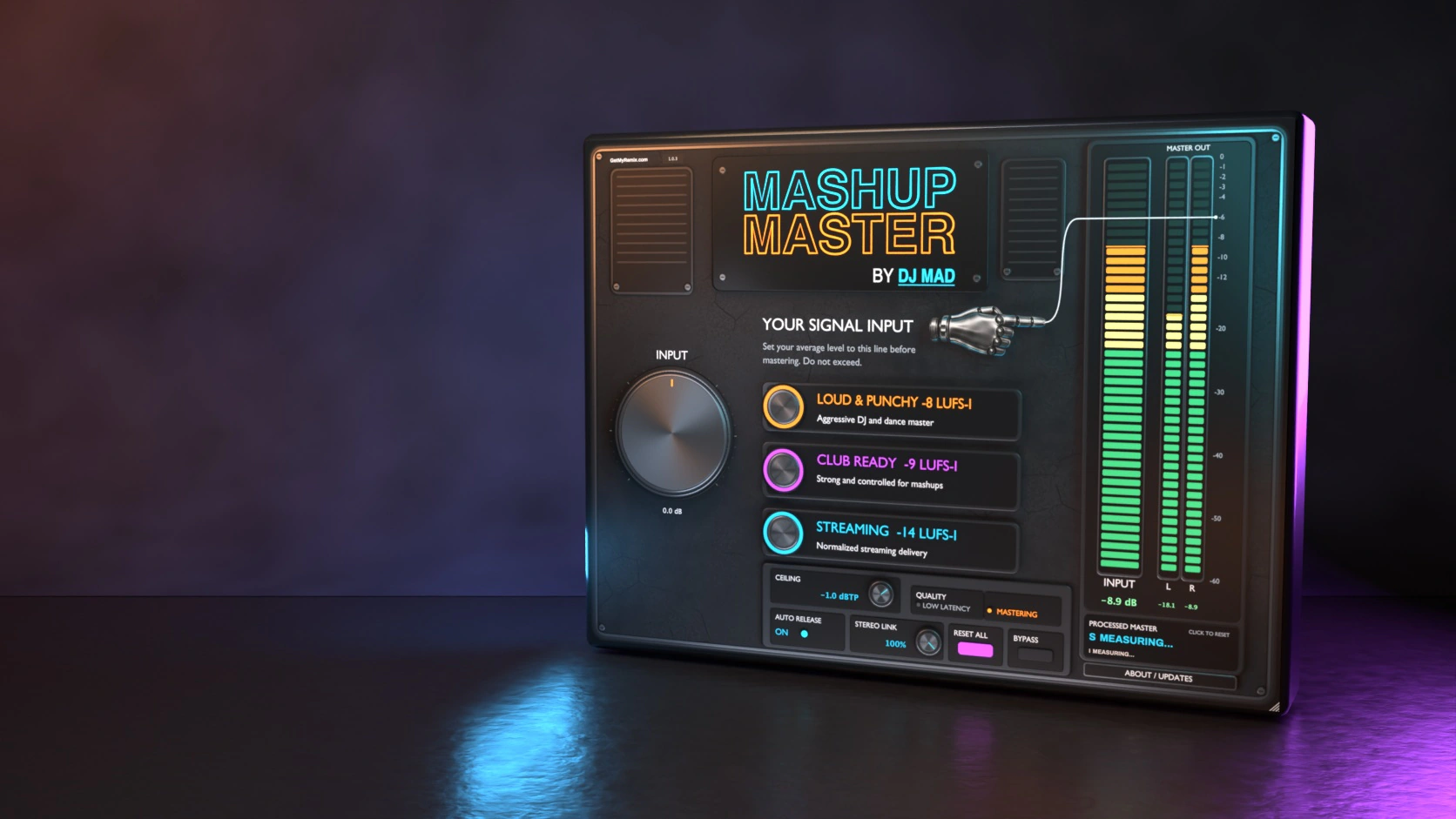
Choose your intended destination and Mashup Master handles the technical mastering process — while still giving you control over input gain, true-peak ceiling, release behavior, stereo linking, and processing quality whenever you need it.

Three ways to master
Squash Loud
An aggressive, high-energy master for DJ edits and dance music when maximum loudness and intensity are the priority.
- High-energy EDM and dance edits
- Promotional DJ versions
- When aggressive loudness is intentional
Club Ready
The recommended mode for nightclub playback — preserves more punch and clarity while producing a strong, controlled master that translates well to powerful club systems.
- Nightclub performance
- Mashups and DJ edits
- Clean, powerful playback
- The best general-purpose balance
Streaming
A more open delivery option for online platforms, mixtapes, and environments where excessive loudness may simply be turned down through normalization.
- Streaming-oriented releases
- Online mixtapes
- More dynamic playback
- Material that benefits from breathing room
A guided two-step workflow
Set your input
Play the loudest section of your track and use the large input control to place the signal at the clearly marked starting point.
Choose your master
Select Squash Loud, Club Ready, or Streaming. Mashup Master analyzes the incoming audio and creates the appropriate mastering level — audition every option and choose the one that sounds best.
Watch how it works
Short walkthroughs on setting your input, choosing a mastering target, and getting a clean master every time.
Built for serious results
- Guided input gain staging
- Three purpose-built mastering targets
- Intelligent audio analysis
- Integrated loudness measurement
- True-peak limiting and metering
- Automatic release control
- Adjustable stereo linking
- Low-latency and mastering-quality modes
- AU and VST3 formats
- Apple Silicon and Intel Mac compatibility
Who is Mashup Master for?
Your ideas deserve a finished master
Create the edit. Choose the destination. Let Mashup Master handle the final level.
Frequently asked questions
What do I need to run Mashup Master?
You’ll need macOS 13 or later on an Apple Silicon or Intel Mac and a DAW that supports AU or VST3 plug-ins.
How does the three-day trial work?
Sign in to GetMyRemix for a trial code and activate it in the plug-in. You get 72 hours of full mastering features from your first successful activation. No credit card is required. Start your trial
Do I need to reinstall after the trial?
You can keep using the same installed plug-in. Enter and activate your paid license when you’re ready.
Is it a subscription?
Mashup Master is a one-time purchase. You’ll need internet access for activation and periodic license checks.
Where do I find my installer and license?
After purchase, open My Plug-ins in your GetMyRemix account to find your installer and license. Open My Plug-ins
Where can I get help setting it up?
The Mashup Master user guide covers installation, activation, and the plug-in controls. Open the user guide
Learn it. Install it. Keep it current.
Quick start, complete controls, activation help, compatibility, and every published update are organized in one mobile-friendly guide.
Help shape Mashup Master
Share feedback, request improvements, report an issue, or learn from other users.