Measured on our M1 Max release benchmark. A three-minute song completed in under 24 seconds.
Plug-ins › MASHUP STEMS
Apple Silicon OnlyM-series Macs
The native Apple Silicon stem engine
MASHUP
3-Day
TrialSeparate your own music before you buy.No payment card. The timer starts only after successful activation. Purchase unlocks this same installation.
MASHUP
STEMS
Turn a full mix into a clean acapella, instrumental, or both in one pass—directly inside your DAW and without sending your audio to the cloud.
Designed by K-DEF
INTRODUCTORY PRICE$29.99$14.99
Free3-Day
TrialSeparate your own music before you buy.No payment card. The timer starts only after successful activation. Purchase unlocks this same installation.
macOS 13.5+ · Apple SiliconAU + VST3
The fastest stem workflow we have ever built.
MASHUP STEMS is tuned specifically for Apple Silicon. It combines near-instant native processing with the full separation model, so speed never comes from switching to a disposable low-quality preview.
Nearly three times faster than our previous working MASHUP STEMS engine on the same machine and source.
The native engine runs the complete model locally—clean vocal focus, a solid instrumental bed, and no cloud compression.
Benchmark figures describe our tested configuration and are not a universal speed guarantee. Separation results naturally vary with the mix, arrangement, effects, and source quality.
Built exclusively for Apple Silicon.
MASHUP STEMS requires an M-series Mac. Its bundled offline extraction engine and private runtime are compiled for Apple’s arm64 architecture and can use Apple’s Metal processing system when available.
Intel Macs cannot run this edition. A separate Intel or Windows engine is not included, which keeps the installer focused on the hardware it was built and tested for.
Import the source file—then drag the result back.
Ableton Live does not pass Arrangement or Session clips into third-party AU/VST3 windows as standard file drops. In Live, click the large IMPORT AUDIO area and choose your rendered WAV, AIFF, FLAC, MP3, or M4A file.
After extraction, you can drag the finished stem from MASHUP STEMS into Live. Other compatible DAWs that pass standard audio-file drops to plug-ins can use the input drag-and-drop workflow. Click-to-import remains available in every DAW.
See MASHUP STEMS in action.
Clean stems before the idea disappears.
MASHUP STEMS turns a technical process into three clear choices: acapella, instrumental, or both at once. No routing maze, no separate application, no cloud queue, and no reduced-quality fast mode.
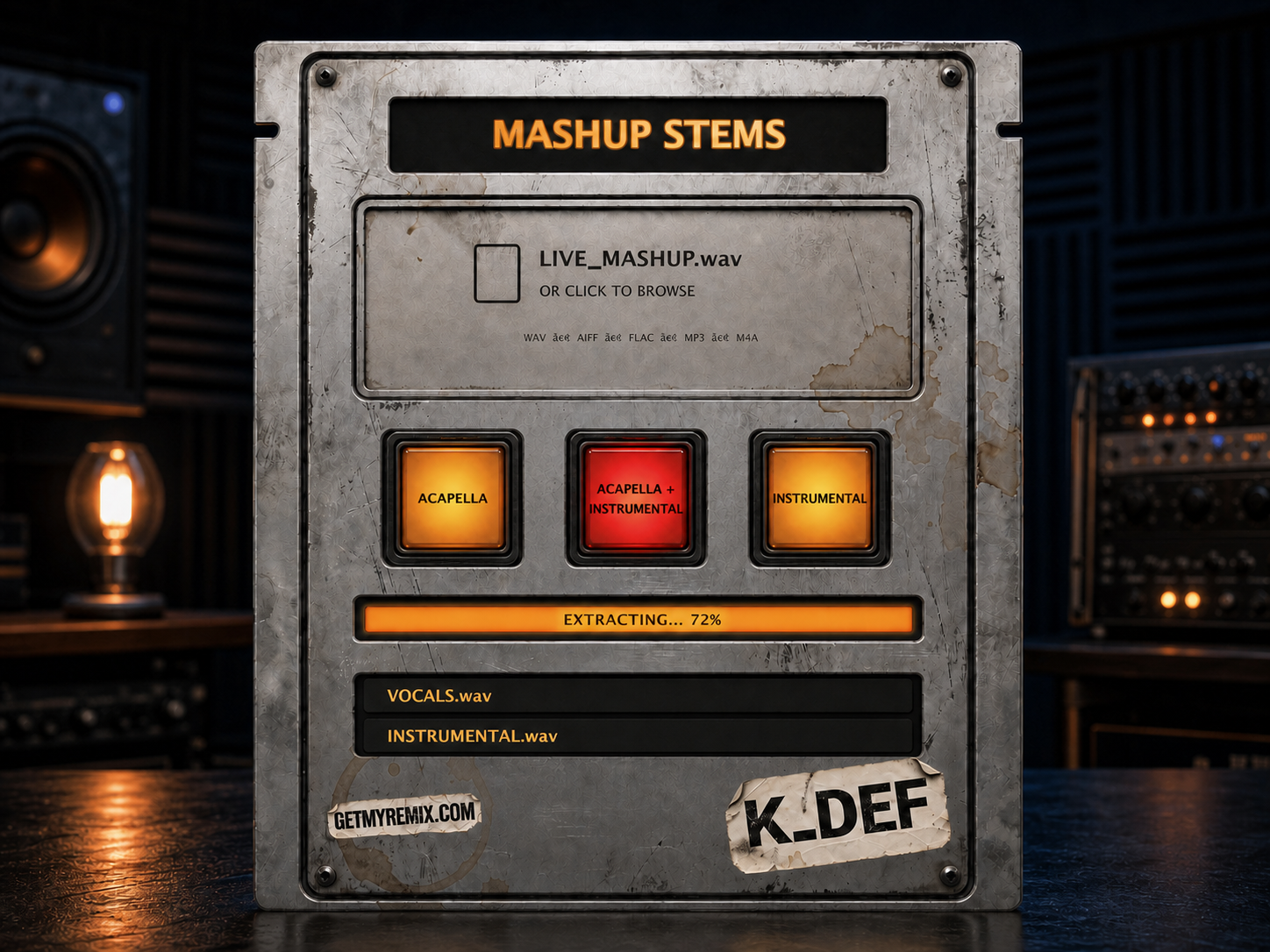
Choose one stem—or create both in one pass.
Import a supported audio file, then press ACAPELLA, INSTRUMENTAL, or ACAPELLA + INSTRUMENTAL. The combined mode produces both results in the same job, ready for immediate use in mashups, edits, remixes, and live sets.
- One-click acapella and instrumental generation
- New combined mode creates both stems together
- Full-quality native Apple Silicon separation
- Ableton-aware click-to-import instructions
- Input drag-and-drop in compatible DAWs
- Continuous progress and active-button feedback
- Private local processing on your Mac
Drag the result into your DAW.
Finished stems appear in the lower hardware panel as separate audio files. Drag either result directly into your timeline and keep building the mashup.
- Vocal and instrumental results stay separate
- Drag either available file independently
- Resizable interface preserves the hardware proportions
- AU and VST3 included in one installer
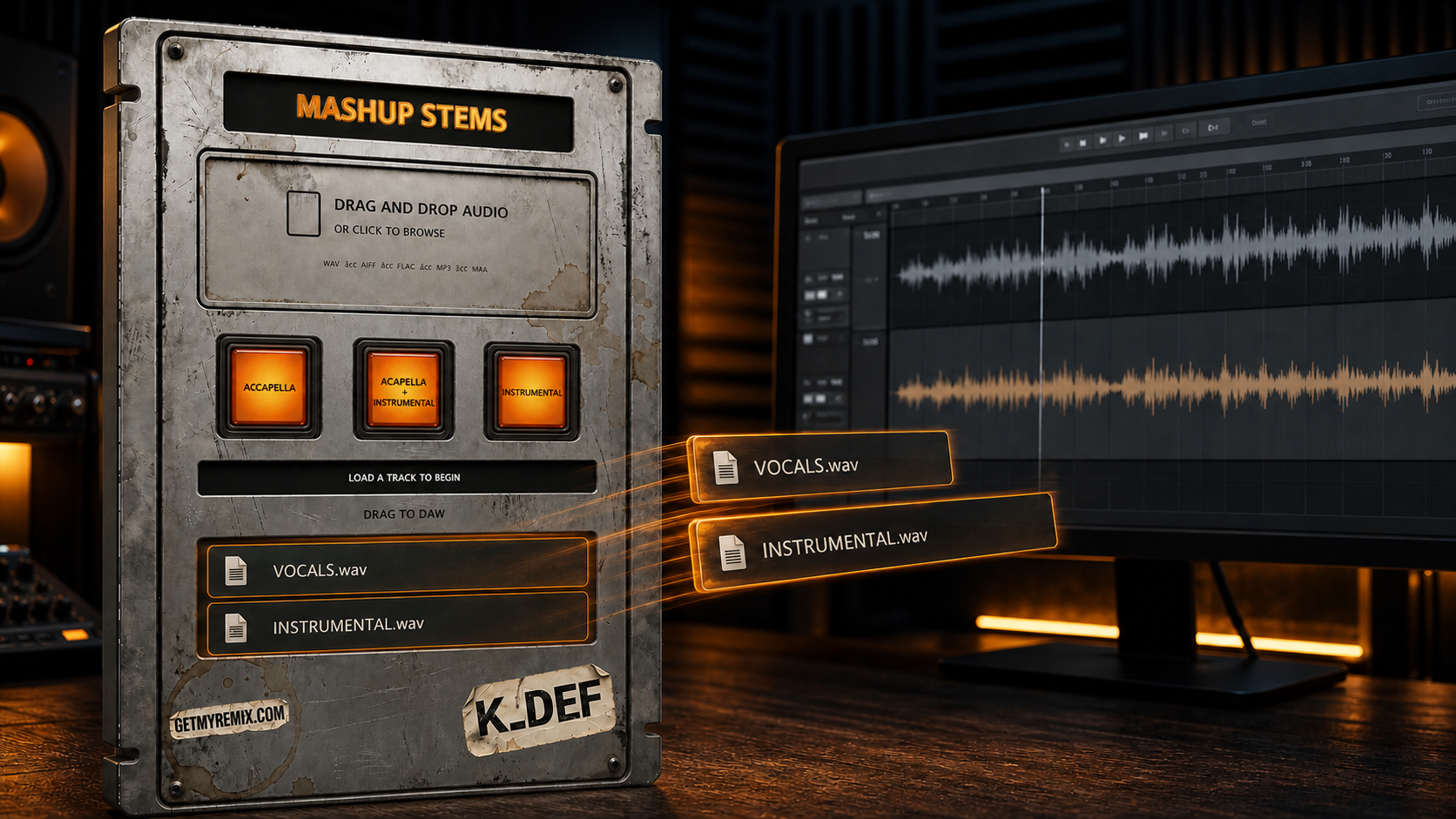
From full mix to usable stem.
Import a file
Click the input area to browse. Compatible DAWs also accept a standard file drop.
Choose the result
Create an acapella, an instrumental, or both together.
Follow progress
The active red button and continuously moving progress bar keep the job clear.
Drag to your DAW
Move either finished WAV directly into your production.
Make MASHUP STEMS part of your workflow.
$14.99 · One-time purchase
Compatibility
- Operating system
- macOS 13.5 or newer
- Mac hardware
- Apple Silicon M-series only — Intel Macs are not supported
- Plug-in formats
- Audio Unit and VST3
- Ableton input
- Click to import; timeline clips cannot be dropped into the plug-in
- Other DAWs
- Click to import, plus file drag-and-drop where the host supports it
- Windows / AAX
- Coming soon
- Activation
- Paid license or free three-day trial serial; internet required for activation and periodic validation
- Processing
- Audio remains on your computer
Version 1.0.1 · Trial-ready release
Version 1.0.1 delivers one macOS 13.5-or-later installer for Apple Silicon Macs. It updates the bundled processing runtime for reliable compatibility on supported macOS versions and adds protection against unsafe high-volume audio spikes during export. The extraction engine, full-quality Apple Silicon model, independent acapella and instrumental modes, combined mode, continuous progress, AU/VST3 formats, drag-to-DAW results, activation, and resizable interface remain unchanged.
▶Performance video coming soonHear the acapella and instrumental results in a real session.
Make MASHUP STEMS part of your workflow.
$14.99 · One-time purchase
 GetMyRemix plug-in
MASHUP Buildup
Build tension. Control the drop.
$14.99See the plug-in →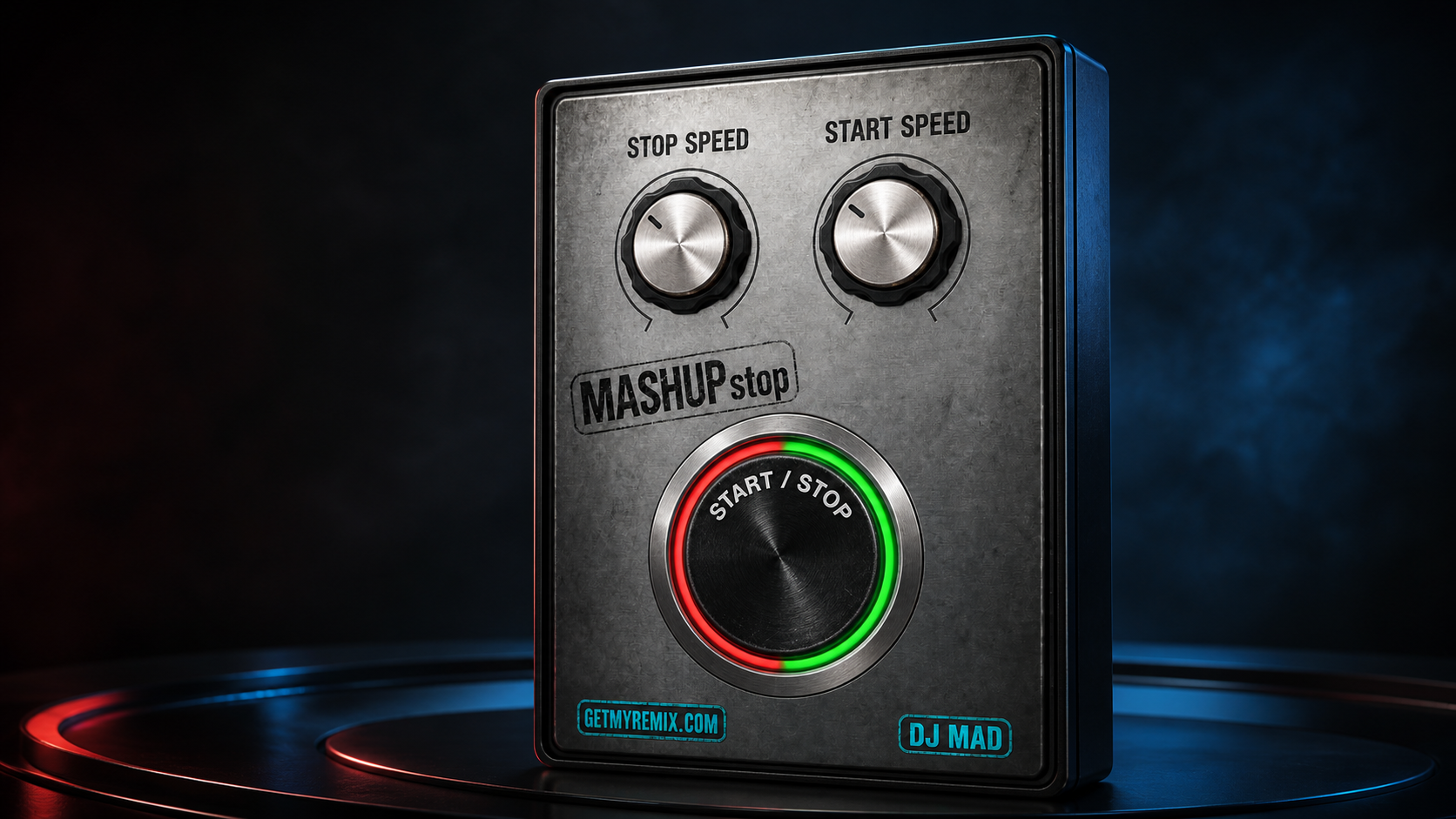 Transition FX
MASHUPstop
Turntable-style stops and motor restarts from one performance control.
$3.49See the plug-in →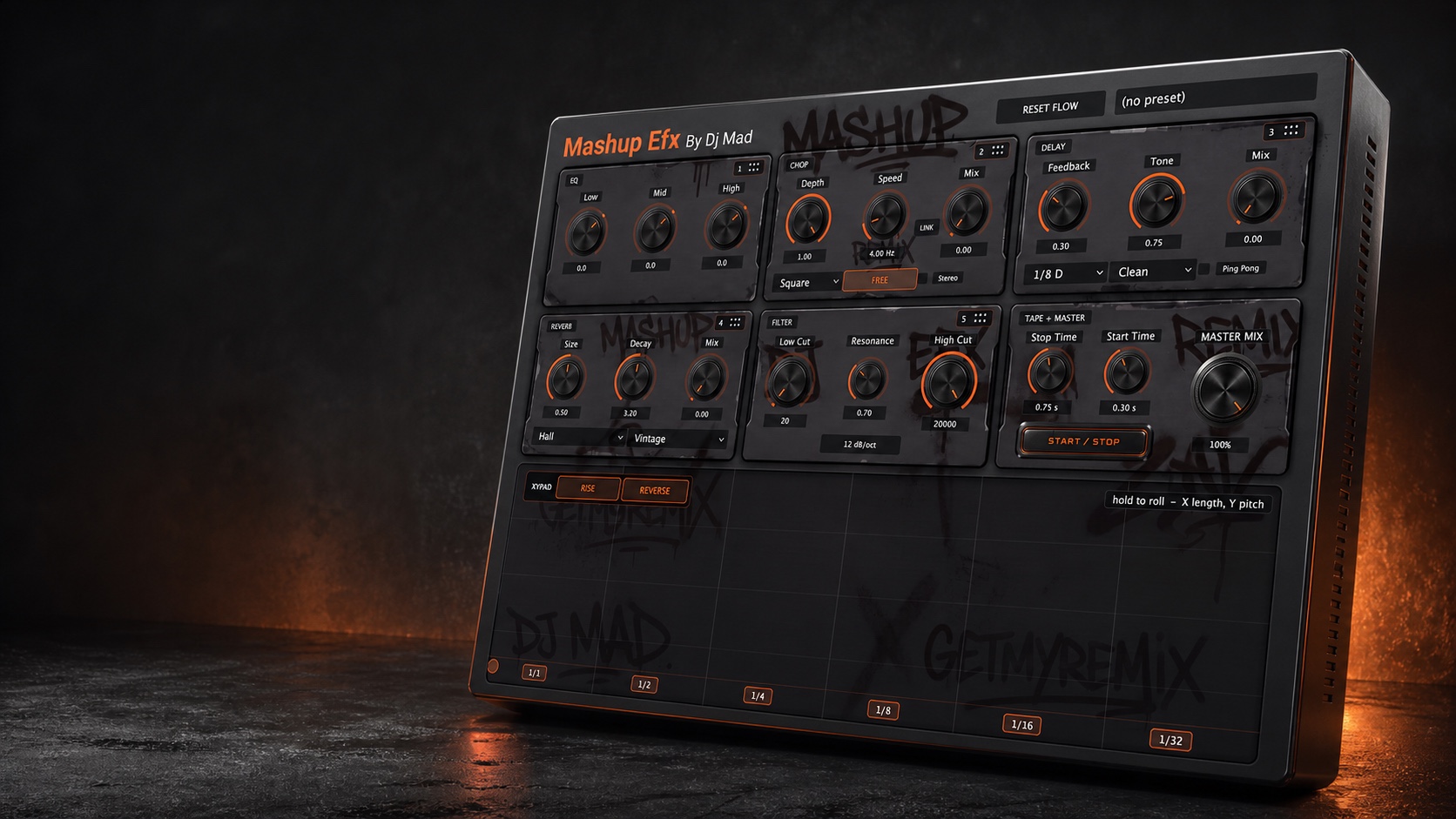 Multi-FX performance system
Mashup EFX
Build live mashups with reorderable effects, XY performance control, and tape motion.
$29.99See the plug-in →PRODUCT COMMUNITY
Open the community
Help shape MASHUP STEMS
Share feedback, request improvements, report an issue, or learn from other users.