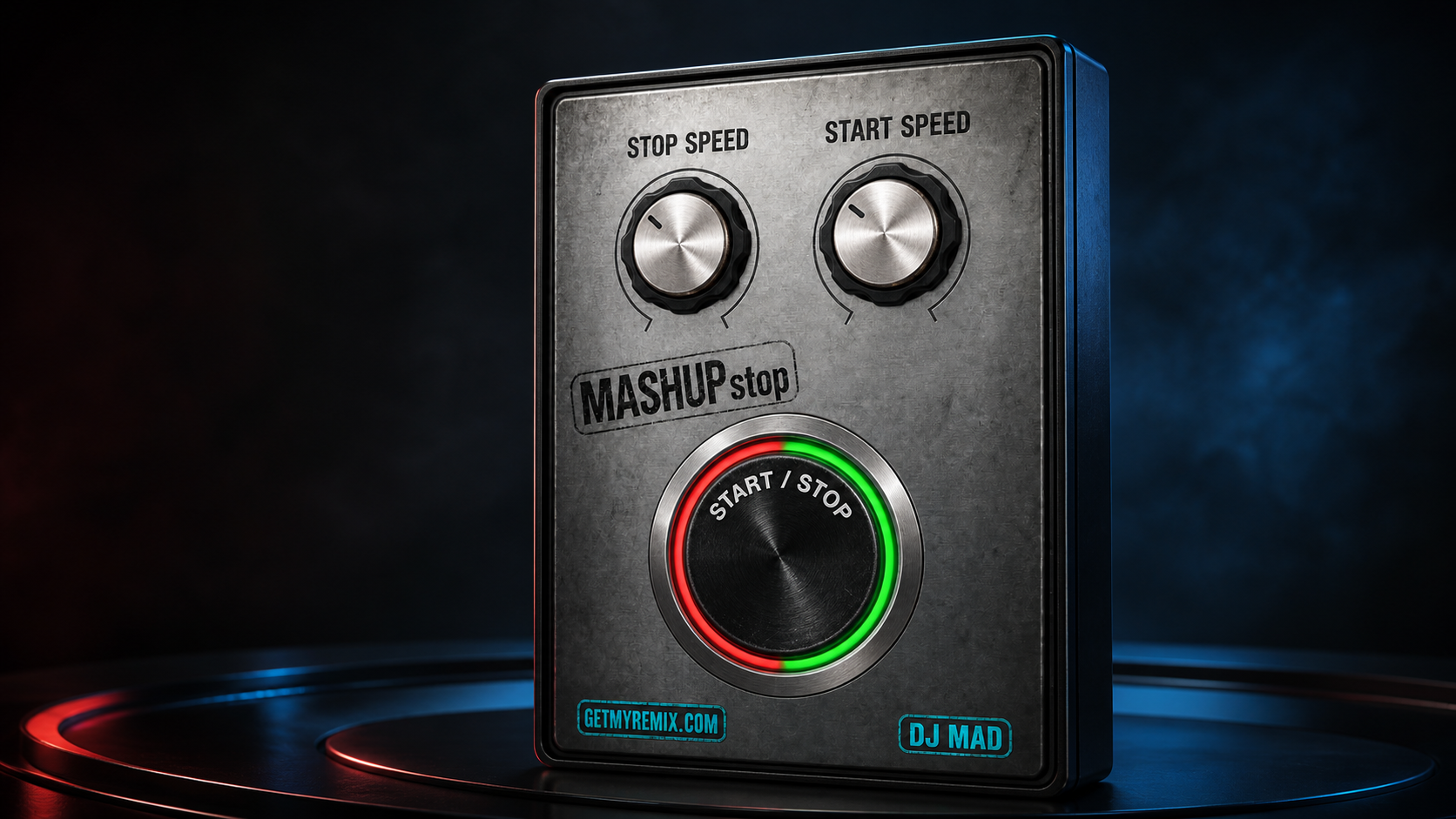
Stop the deck.Restart the energy.
A focused tape-stop and turntable-restart effect built for transitions that need to feel physical.
Set how quickly the music powers down, set how the virtual motor brings it back, and trigger the whole move from one oversized performance button.
A complete transition in one move
No menu diving. No automation lane to draw. MASHUPstop keeps the two motions separate and the performance simple.
Test the transition on your own sessions.
Install the complete AU and VST3 plug-in, generate a secure trial serial from your GetMyRemix account, and use every MASHUPstop control for three days. No payment card is required, and purchasing unlocks the same installation.
Learn MASHUPstop step by step.
Follow the complete how-to video and see the slowdown, motor-style restart, and one-button transition workflow inside a real session.
Two speeds. Two different feelings.
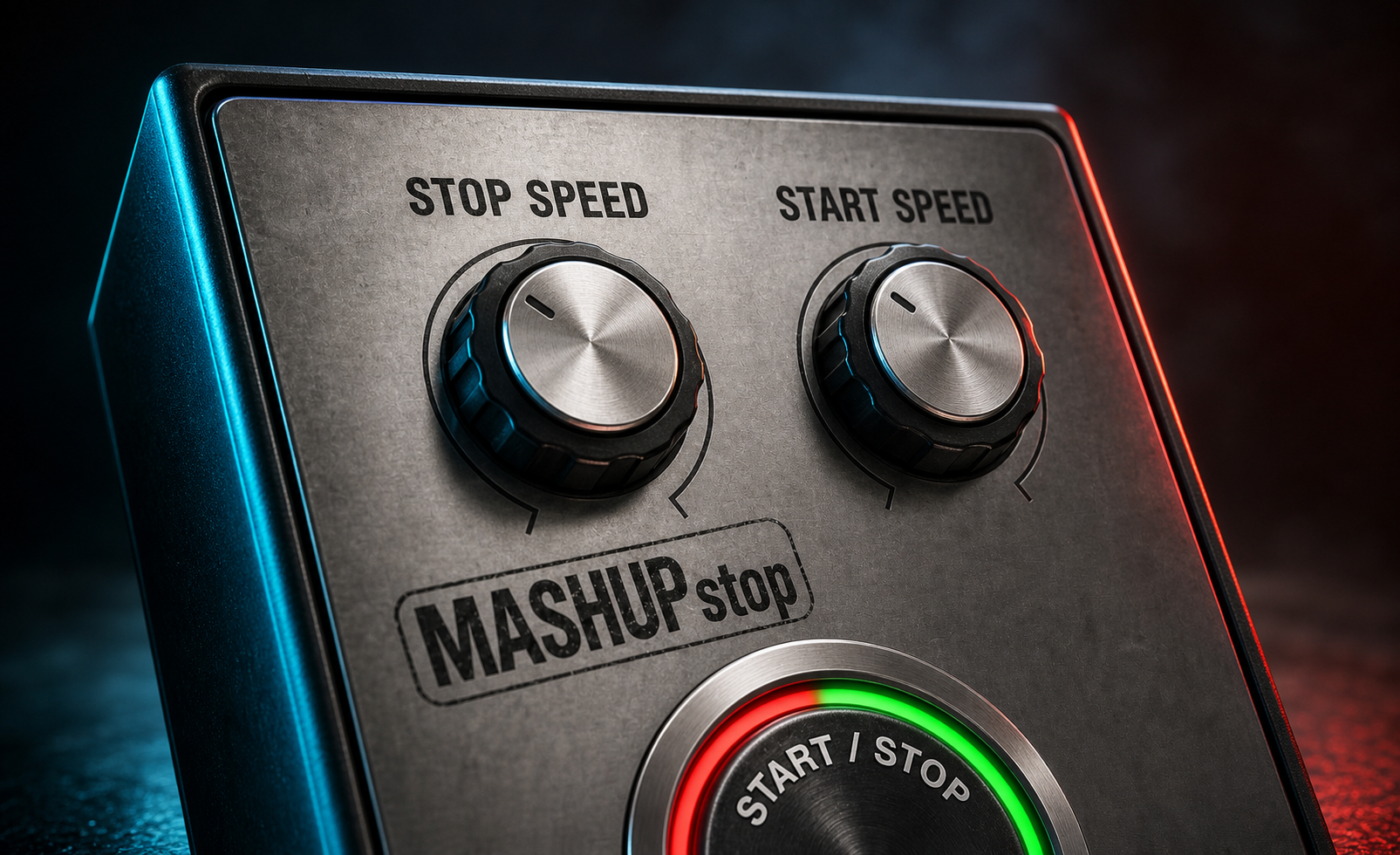
A convincing stop and a convincing restart are not the same motion. MASHUPstop gives each one its own dedicated control, so the slowdown can hit quickly while the restart climbs back with the weight and character you want.
Set it. Hit it. Bring it back.
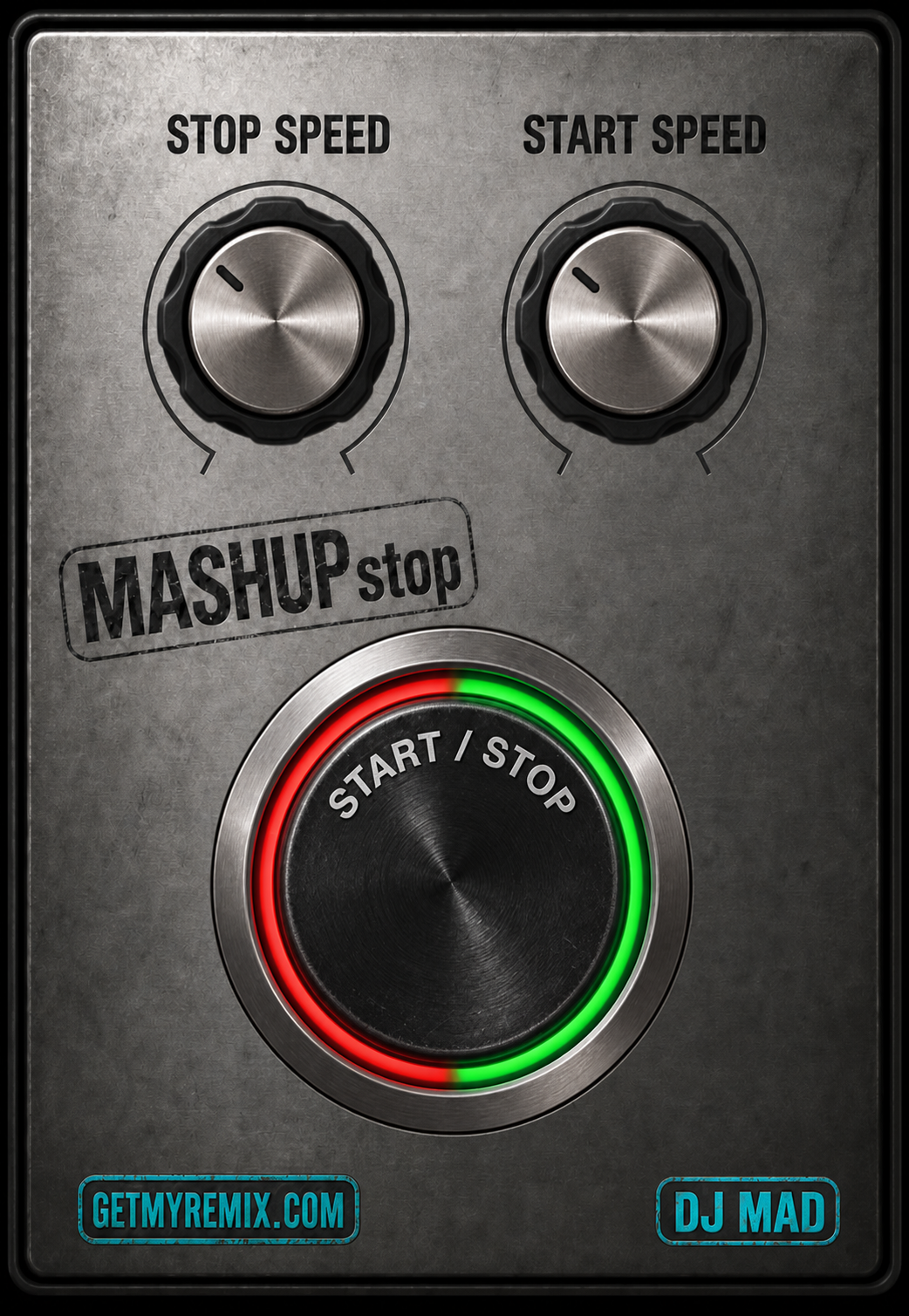
The interface is deliberately simple so you can stay focused on the transition—not the plug-in.
Choose the slowdown
Set STOP SPEED for a fast power cut or a longer turntable wind-down.
Choose the restart
Set START SPEED independently to define how the motor catches back up.
Perform the transition
Use the illuminated START / STOP button as the single live performance control.
The button you can find in the dark.
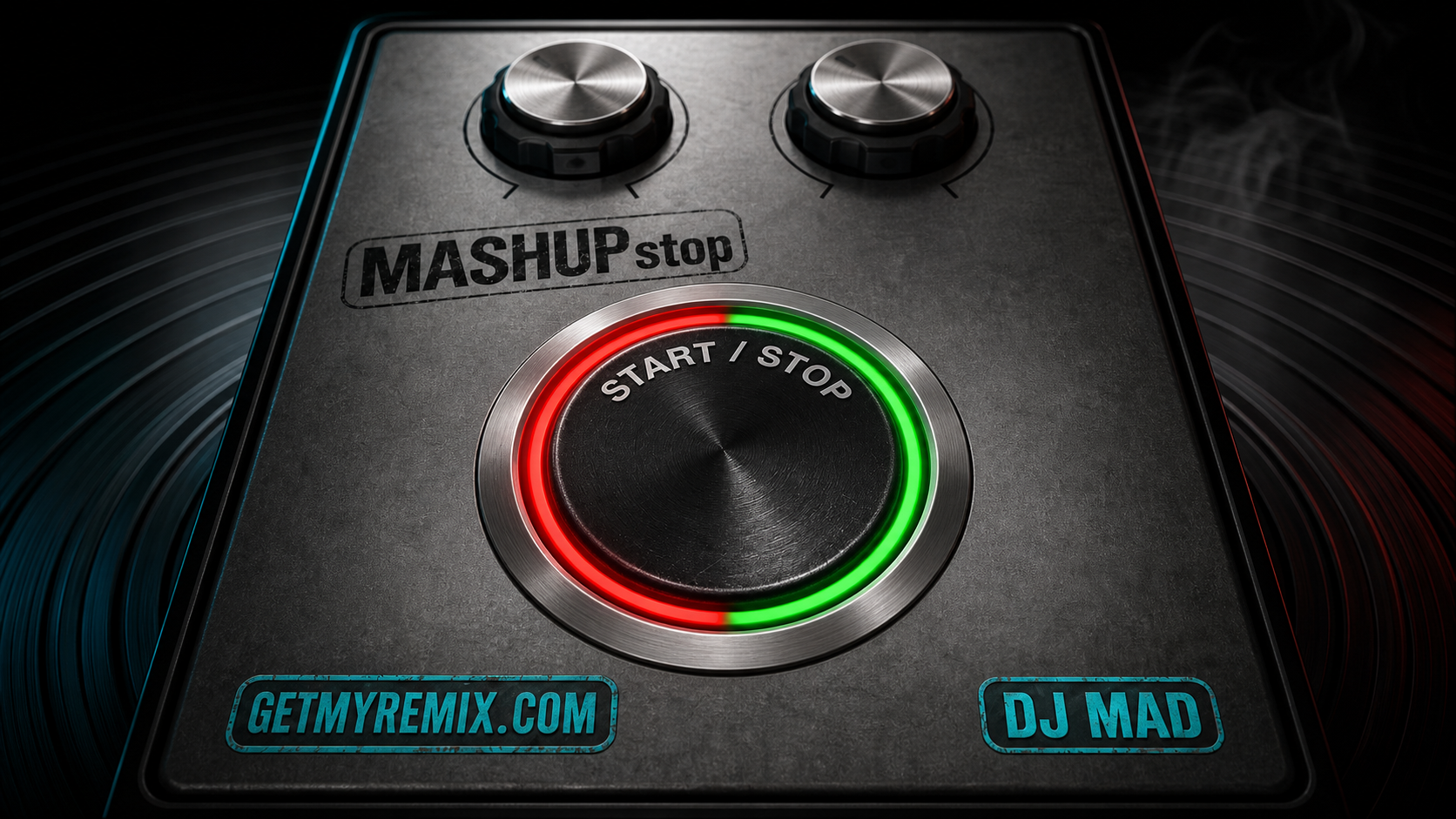
The oversized red-and-green control is designed for fast recognition during a live set. Its animated active state gives immediate feedback while the effect is engaged.
Focused by design.
MASHUPstop does one transition and gives it the space, control, and visual feedback it deserves.
- Independent stop and restart timing
- Turntable-style slowdown and motor restart
- Animated red/green performance button
- Proportional resizable interface
- Secure activation for up to two computers
- Clickable GetMyRemix and DJ Mad links
Ready for modern Mac studios.
The first release includes the formats most Mac producers and DJs use today, with additional platforms planned.
Compatibility
- Current formats
- Audio Unit, VST3
- macOS
- macOS 13 or later
- Processors
- Apple silicon and Intel
- Windows
- Coming soon
- AAX
- Coming soon
- Activation
- Internet required for first activation and periodic verification
Version history
Make the transition feel physical.
From a fast power-down to a dramatic full-deck restart, MASHUPstop puts the motion under one hand.
Learn it. Install it. Keep it current.
Quick start, complete controls, activation help, compatibility, and every published update are organized in one mobile-friendly guide.
Help shape MASHUPstop
Share feedback, request improvements, report an issue, or learn from other users.