Ghosted vocals
Turn a selected vocal phrase into a rising reverse-reverb lead-in.

Capture a sound or load a file. Shape it into a ghost reverse swell, audition the result, then drag the effect into your session or export a WAV.
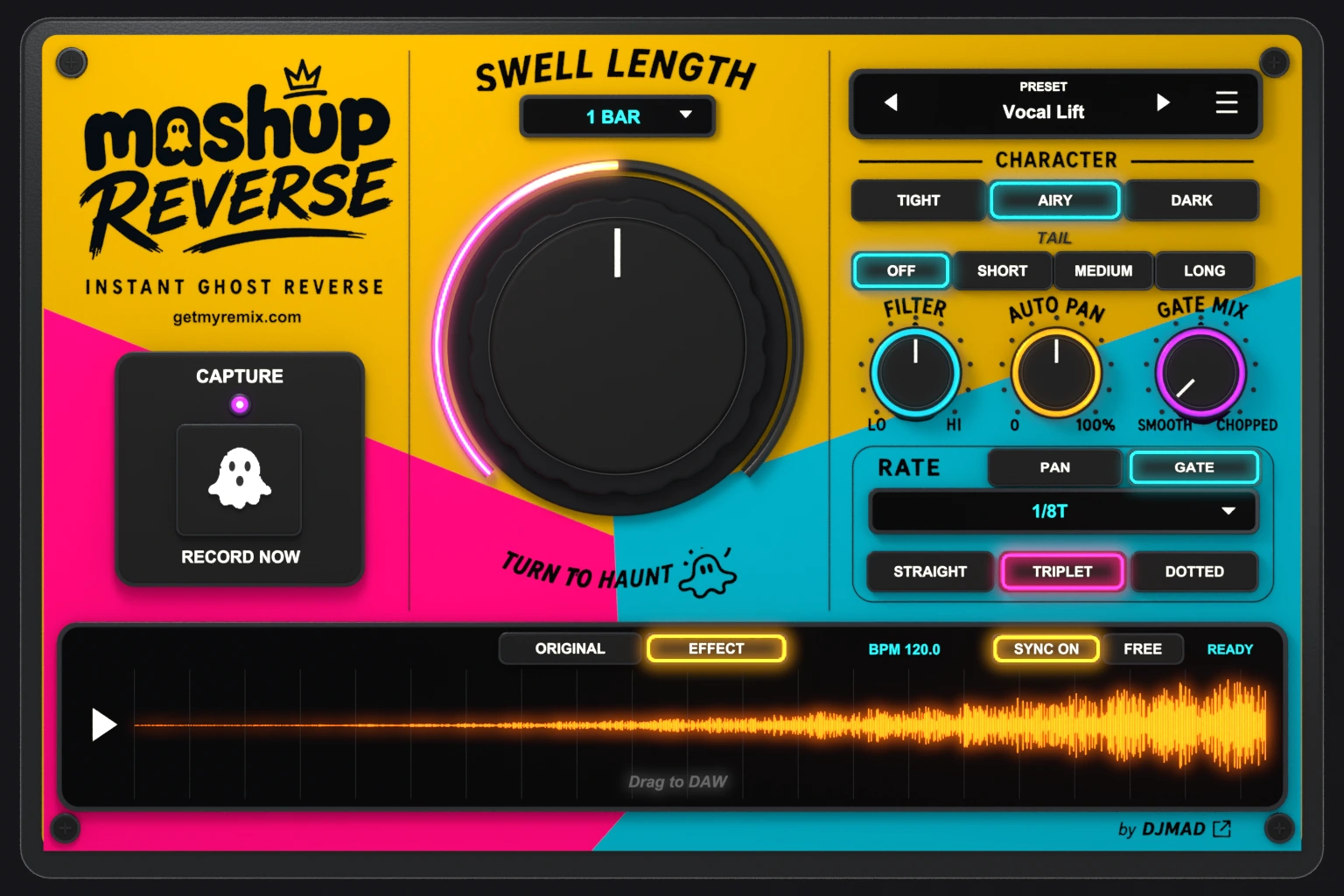
A tour of Capture, Swell Length, and the sound-shaping controls.
A vocal, drum hit, chord, or texture can become the lift into your next section.
Turn a selected vocal phrase into a rising reverse-reverb lead-in.
Shape the swell around a drum, stab, or impact and place it before the next accent.
Use musical timing to build anticipation before a drop, chorus, or change of energy.
Bring a sustained swell to life with separate Auto Pan and Gate timing.
Capture or load, shape the swell, then drag or export the result.
Capture or load audio, choose the source region in Original view, set Swell Length, then audition Effect. The processed audio is ready to drag into your DAW or export from the menu.
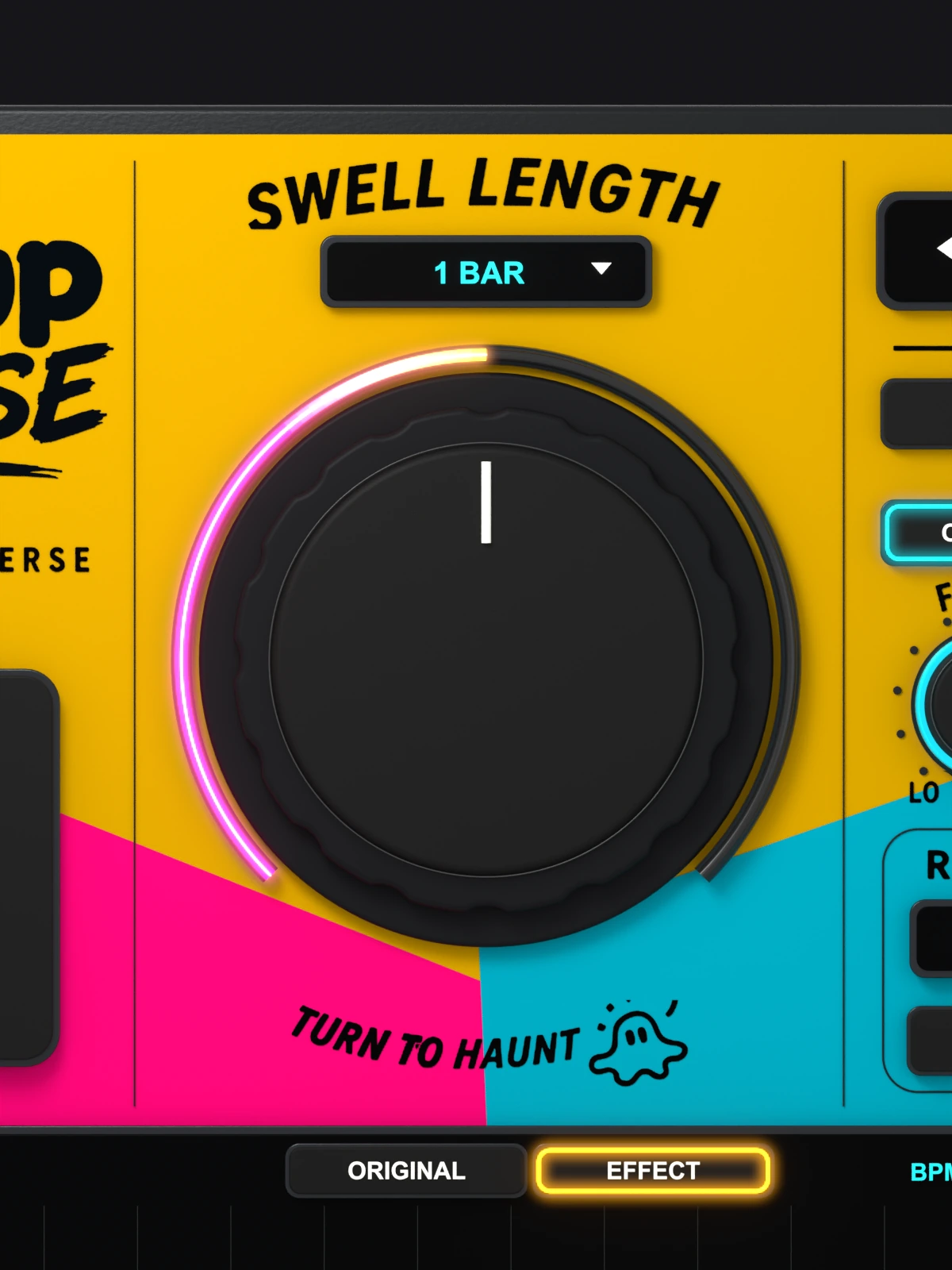
Swell Length sets the duration of the generated reverse effect. Turn the large knob or use its readout to choose an exact value. Sync follows musical lengths; Free uses time in milliseconds and seconds.
Shape the reverse effect without building a separate chain for every idea.
Record a source with Capture or load an audio file from the menu. Use Original view to choose the region you want.
Your audio, your starting pointSet a precise musical or free-time swell from the large knob and readout.
Sync / FreeChoose Tight, Airy, or Dark to change the character of the reverse-reverb swell.
Tight / Airy / DarkChoose what continues after the swell reaches its peak, independently of Swell Length.
Off / Short / Medium / LongShape the tonal balance of the generated effect with one focused control.
LO → HISet the depth of the movement, then choose its own rate and timing with PAN.
Independent depth + timingBlend rhythmic gating into the effect, with its own GATE rate and timing.
Straight / Triplet / DottedHear Original or Effect, then drag the processed audio into your DAW or choose Export WAV.
Original / Effect / WAVPAN and GATE select which timing you are editing. Each retains its own rate and Straight, Triplet, or Dotted setting. Switching between them keeps preview running. Auto Pan sets depth; Gate Mix sets how much gate you hear.
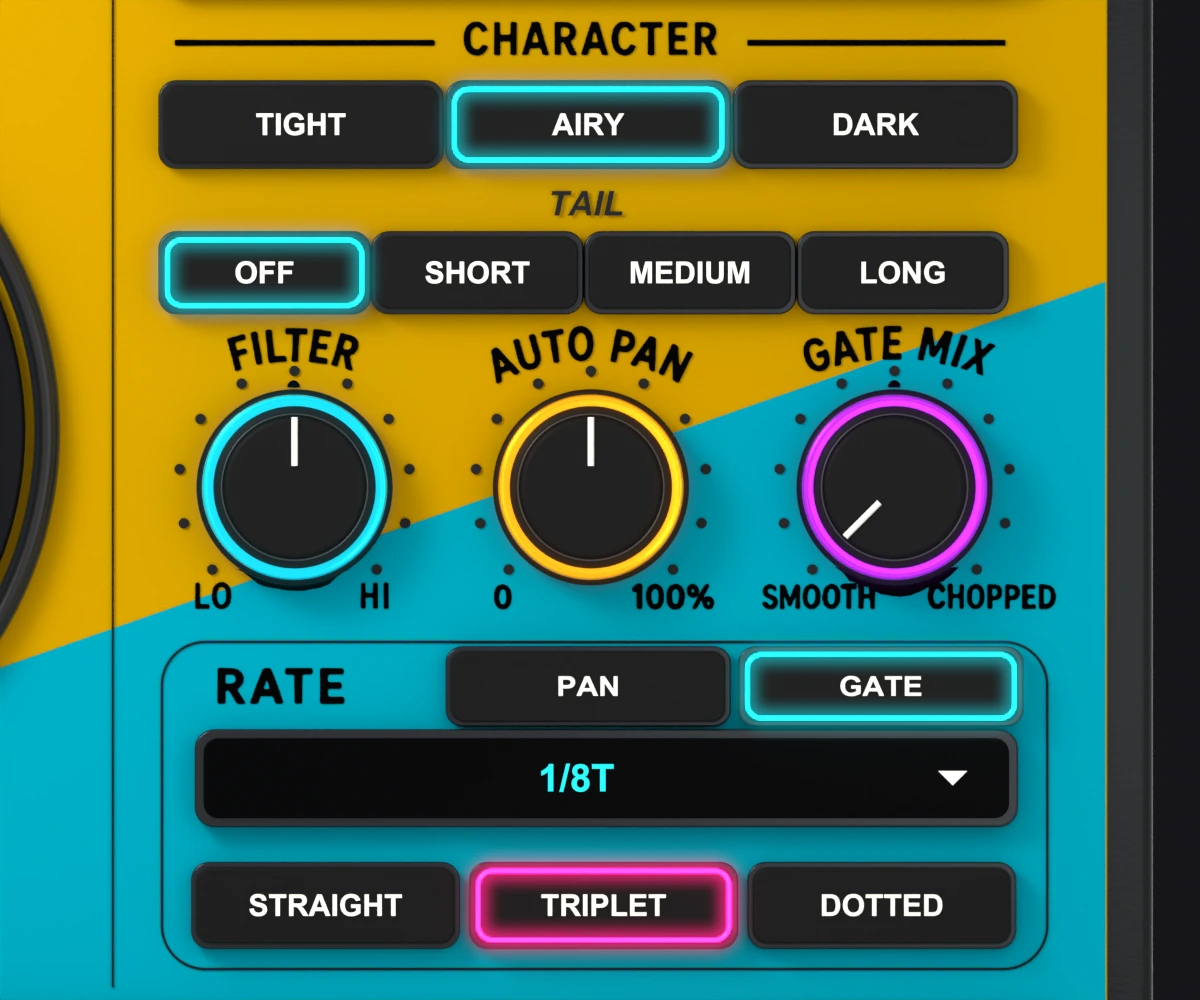
Explore the interface, the Swell Length control, and the independent motion settings. Select a view, then open the large image for a closer look.
Capture audio or choose Load audio from the menu.
Choose a region in Original view and set Swell Length.
Choose Character and Tail, then shape tone, stereo movement, and rhythm.
Hear Effect, then drag the audio into the DAW or Export WAV.
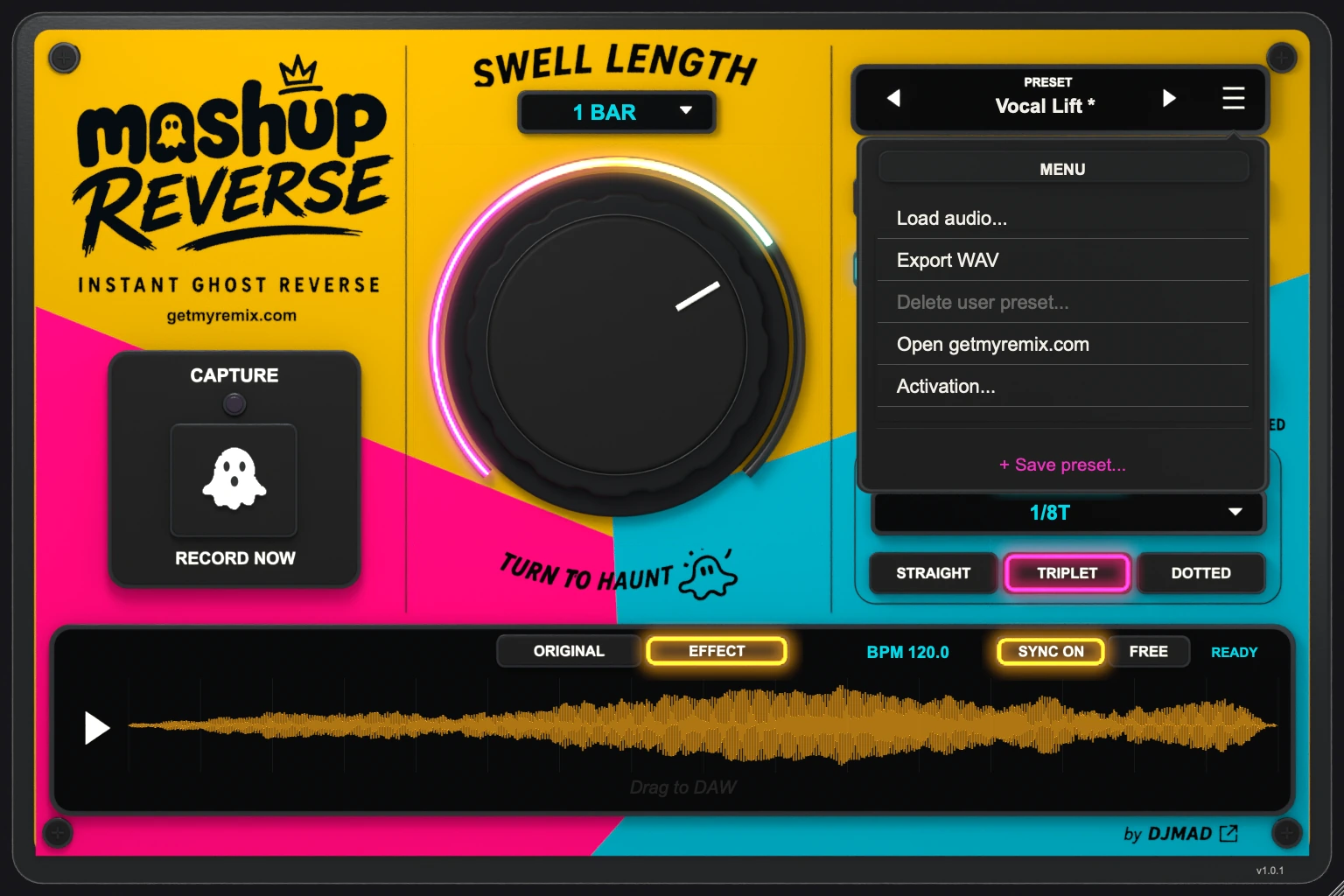
Factory and User presets, search, and Save preset help you keep useful settings within reach. Source selection, controls, and window size recall with your workflow. The DAW’s spacebar remains its transport shortcut.
Mashup Reverse is an AU and VST3 plug-in for Mac. Intel Macs require macOS 10.13 or newer; Apple Silicon Macs require macOS 11.0 or newer. A compatible AU or VST3 host is required. Check Compatibility and the user guide before installing. Check compatibility
After purchase, open My Plug-ins in your GetMyRemix account for the installer and paid license key. Install the plug-in, open it in your host, then enter and activate your key. Open My Plug-ins
The 72 hours begin on your first successful activation, not when you download the installer. Get your trial code from the trial page. Internet is required for activation and periodic license checks. Open the trial page
Effect processing stops and audio passes through dry. Your settings are kept. A paid key unlocks the same installation; you do not need to reinstall.
No. Mashup Reverse is a one-time purchase with no subscription. Activate your paid key in the same plug-in used for the trial.
Deactivate an active paid installation to free its activation, either in the plug-in or from My Plug-ins in your account. Then activate on the other Mac. This does not reset a trial. Manage my plug-ins
Quick Start and the user guide explain Capture and Load, Swell Length, the sound controls, dragging the processed effect to your DAW, and WAV export. Support information is in the guide. Open Quick Start and user guide
Share feedback, request improvements, report an issue, or learn from other users.