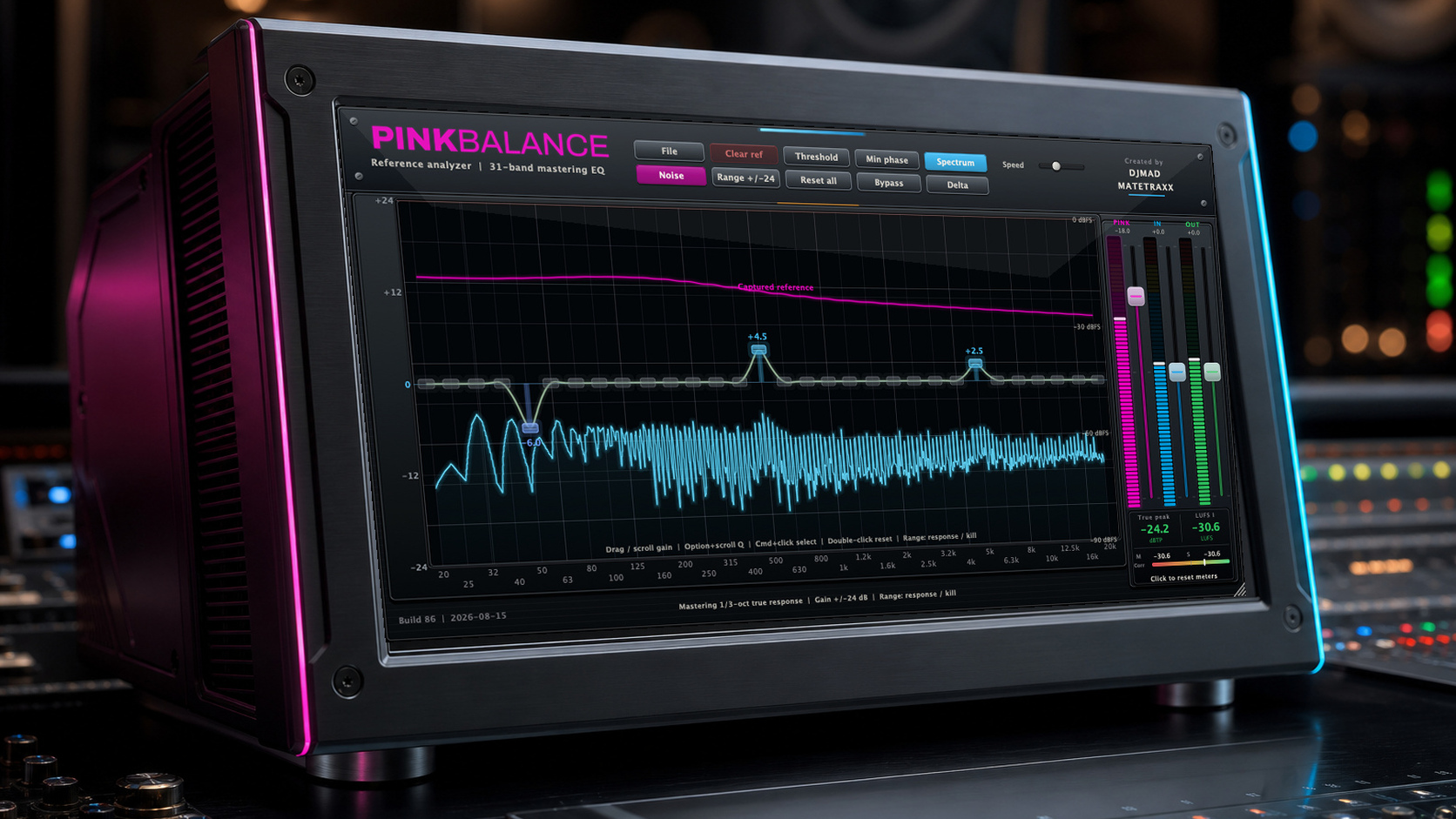
PINKBALANCE
A calibrated 31-band reference analyzer and mastering equalizer for engineers, producers, and DJs. Work against a weighted pink target or capture a mastered reference, then shape your mix with surgical control.
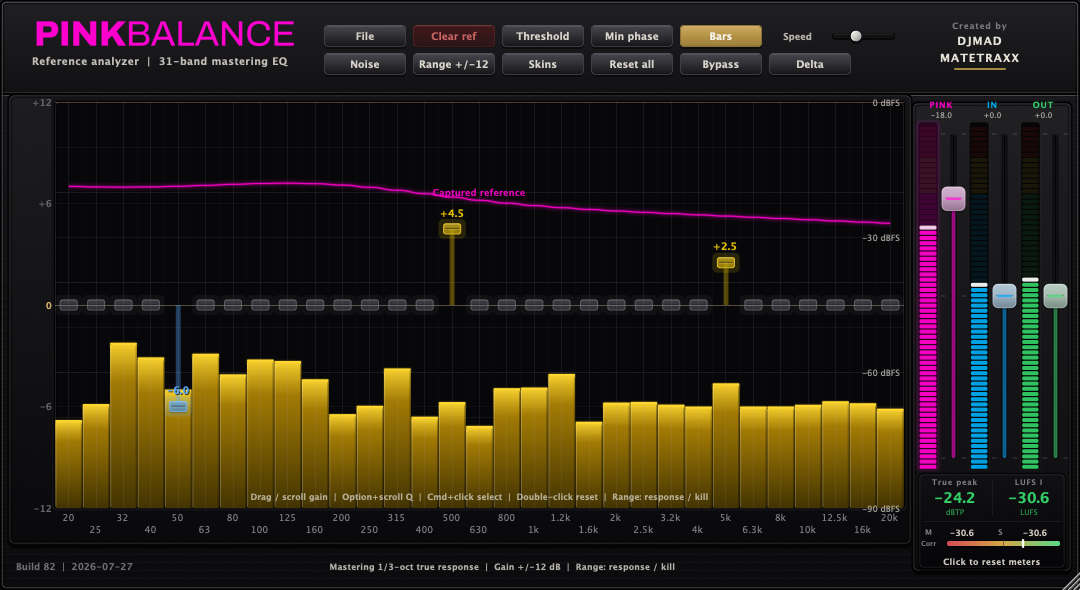
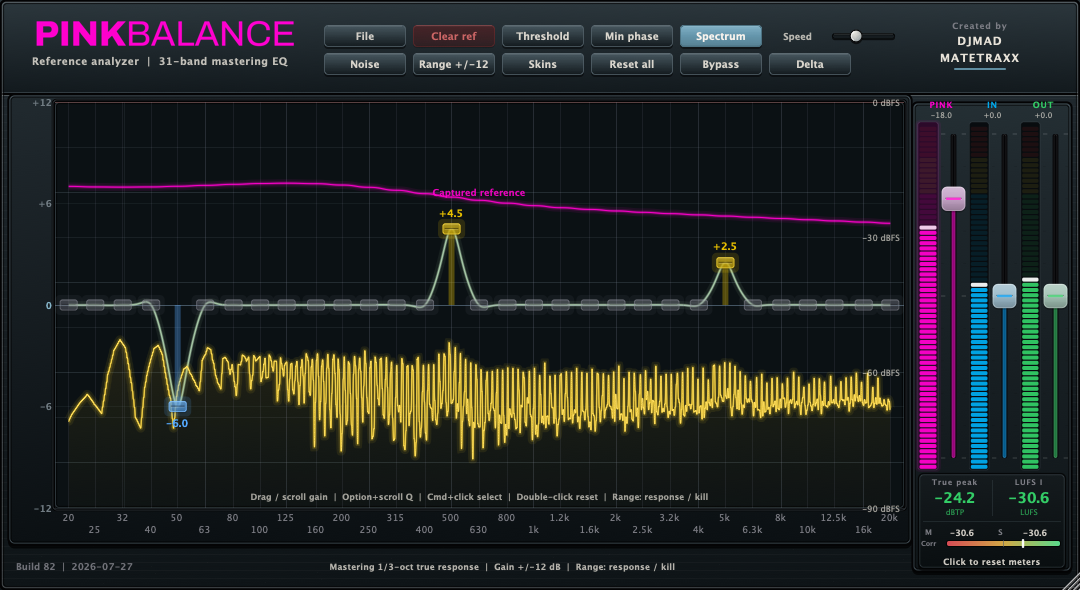
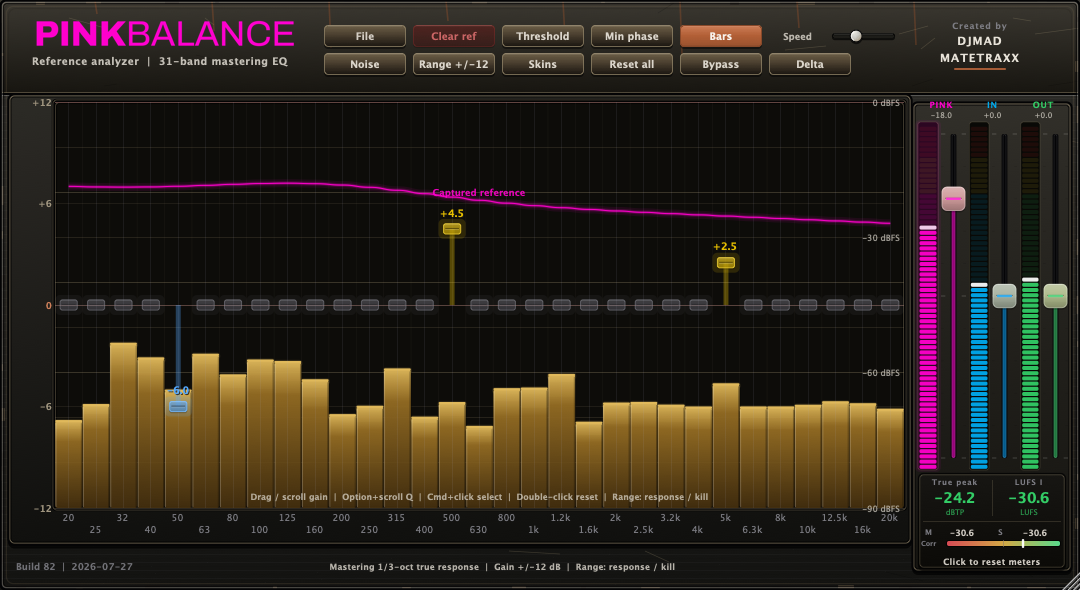
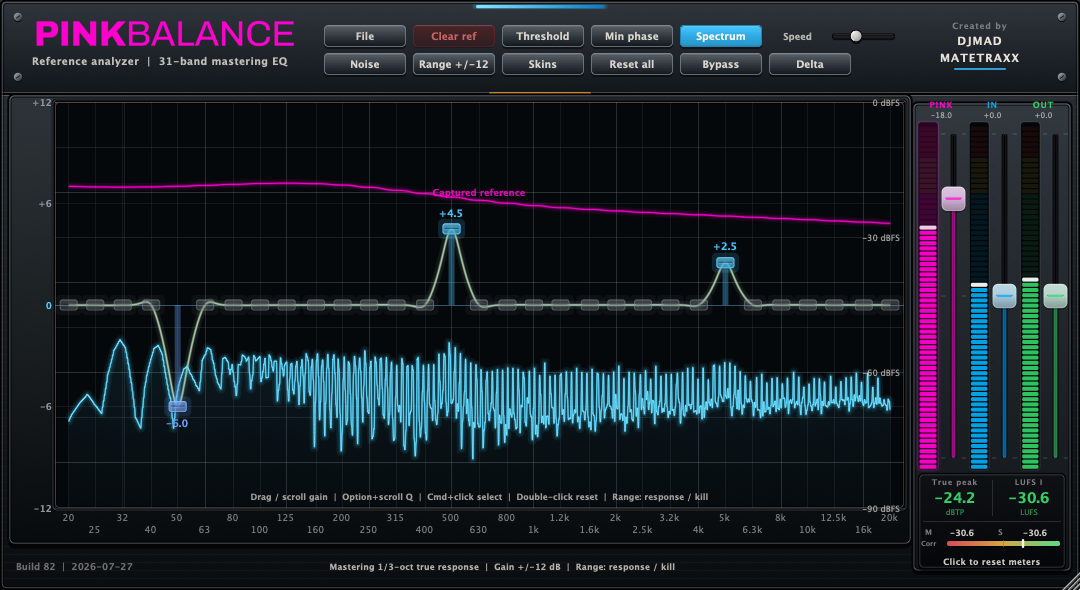
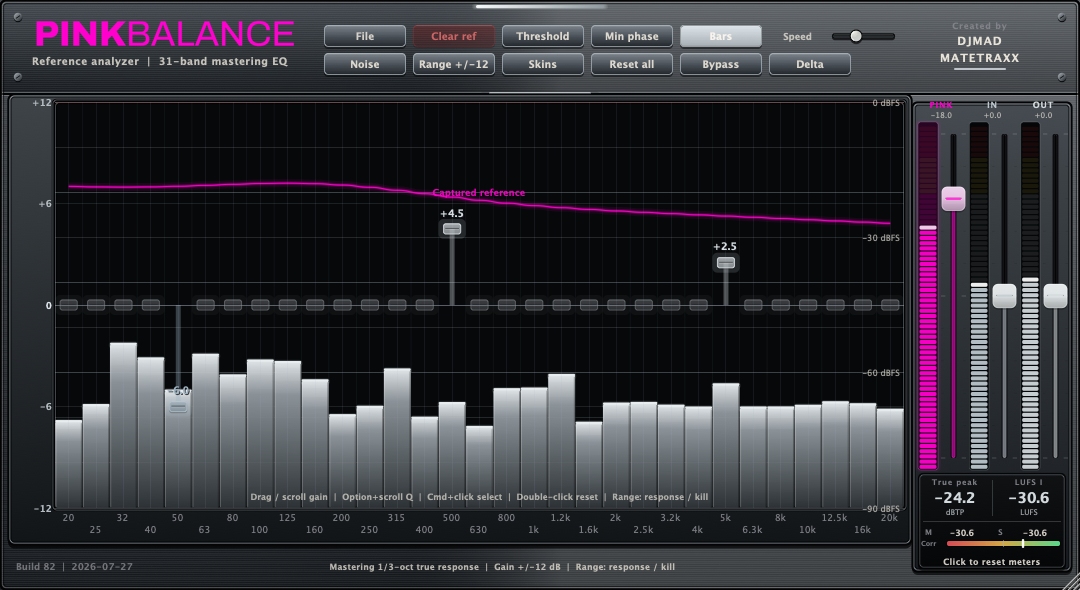
See the complete interface
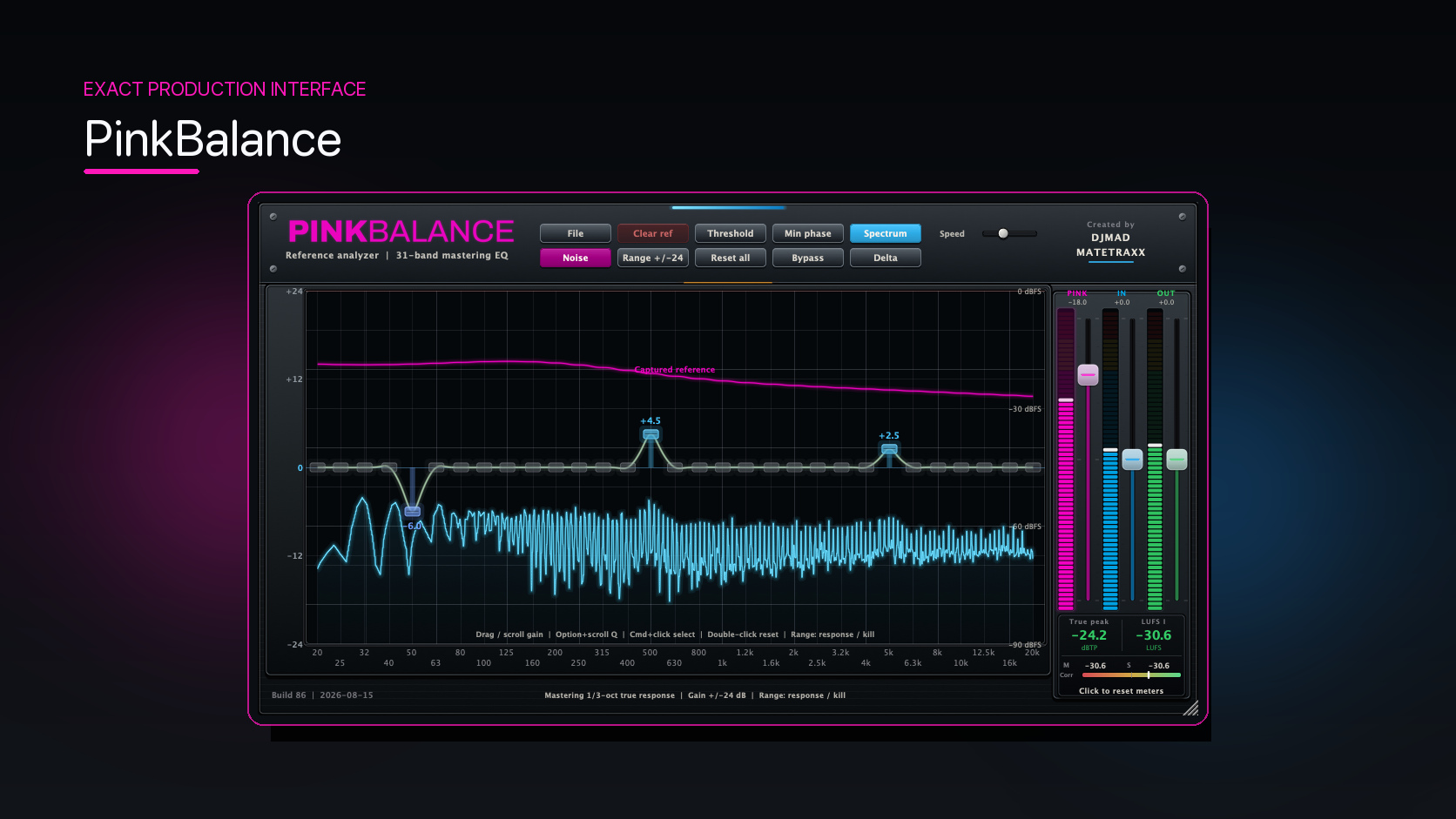
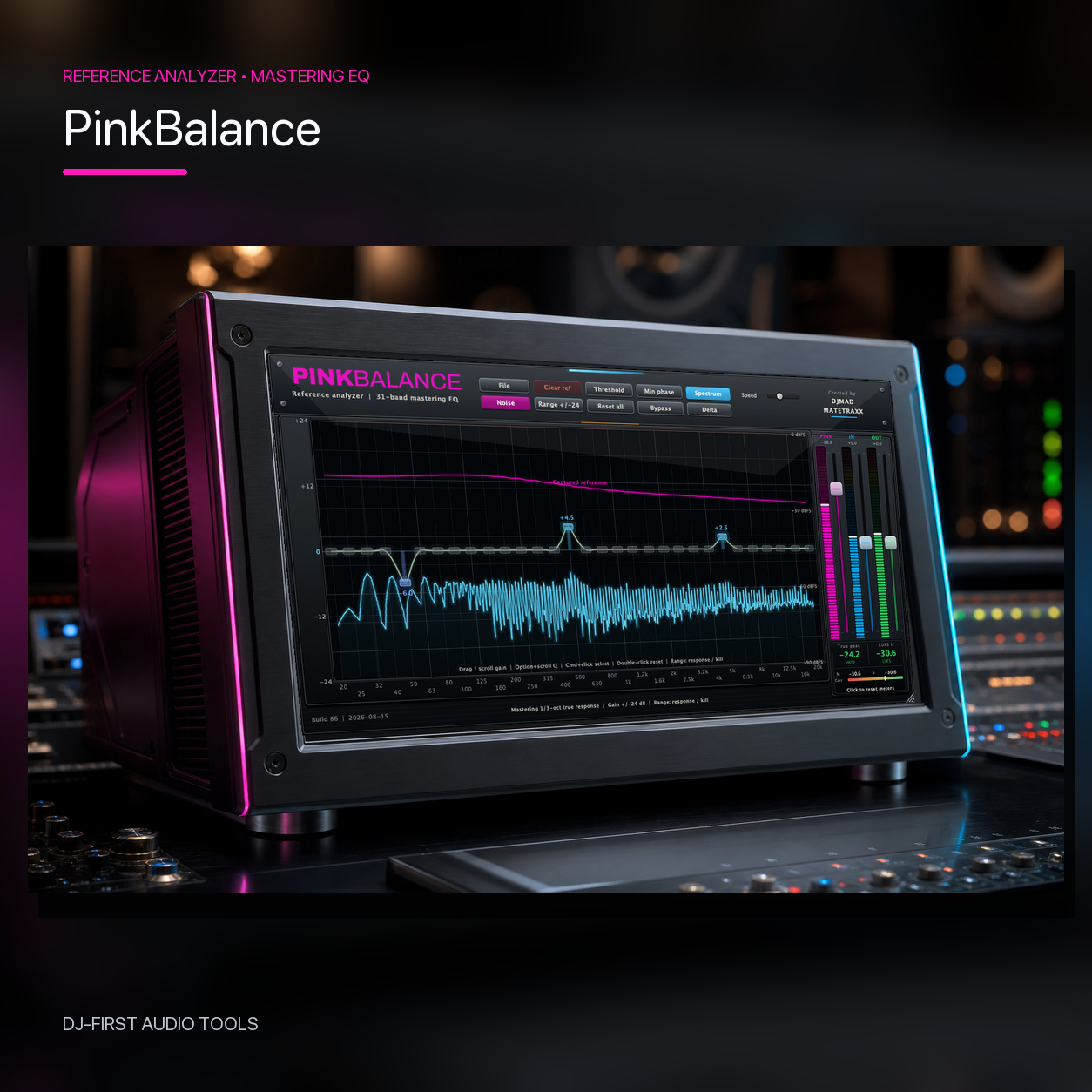
Open the full-size artwork to inspect the hardware finish, mastering sections, included skins, and every working view.
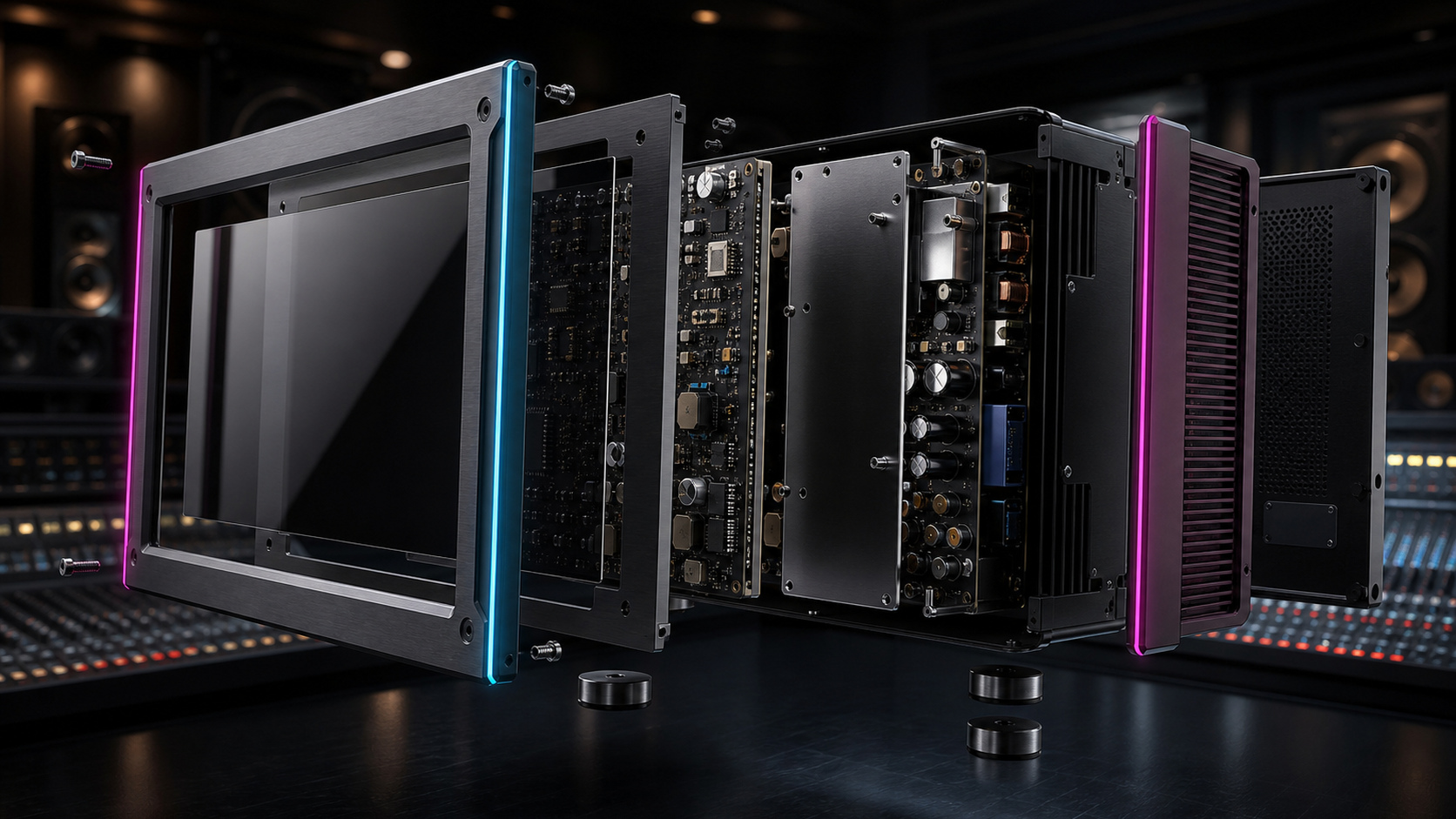
A practical professional workflow
Use PinkBalance as a target, a reference analyzer, a mastering equalizer, or all three in sequence.
Balance
Set levels against the built-in weighted pink reference or a captured target.
Shape
Turn off the noise and use the calibrated 31-band EQ to refine the tonal balance.
Finalize
Use the adaptive threshold to reduce excess energy per band without broadband compression.
Bars or full spectrum
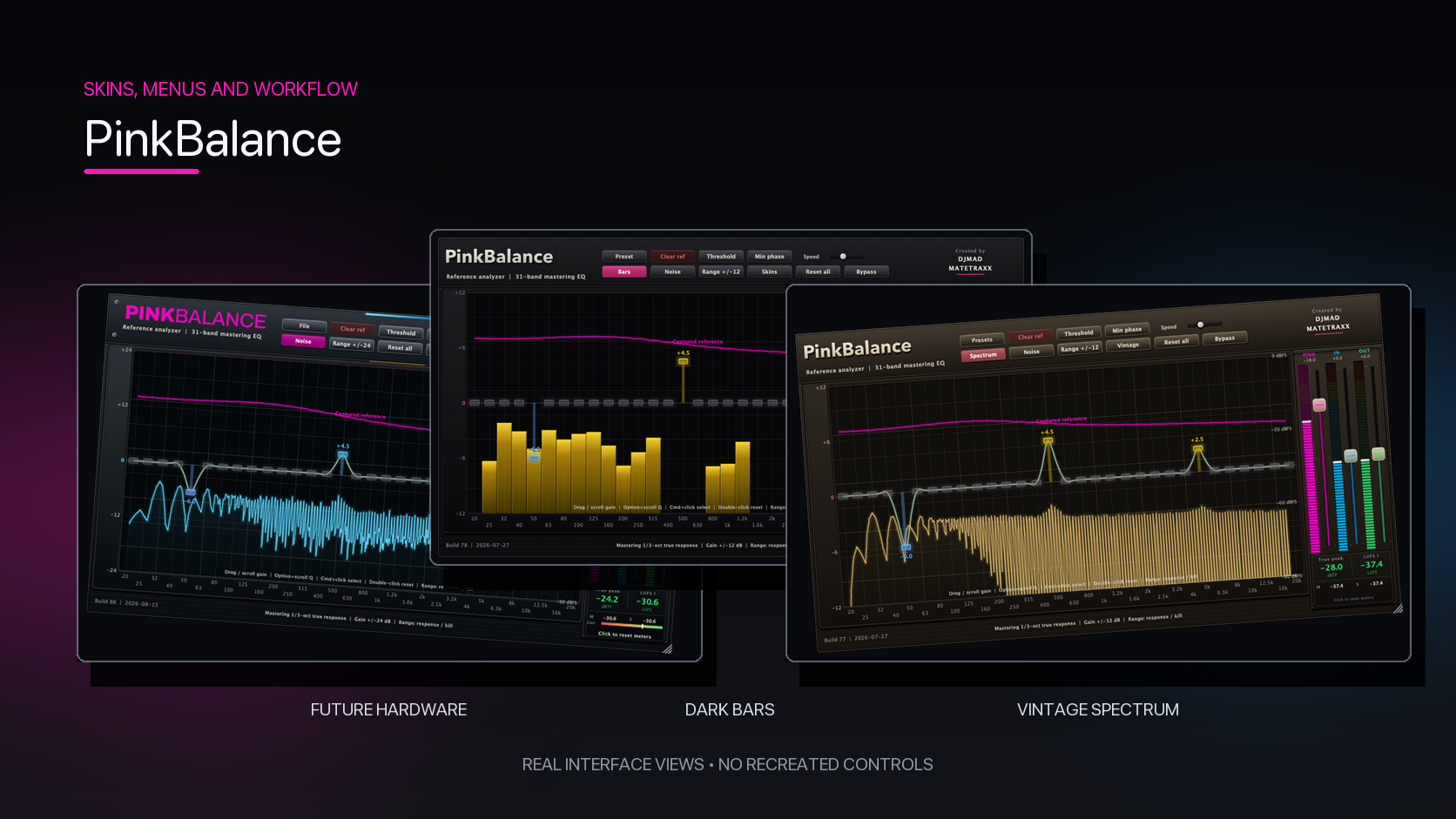
Both views use the same high-resolution analyzer data. The new product renders show every active band naturally instead of an incomplete display.
Reference what you are actually trying to reach
Capture a professionally mastered track as the target—not the audio you are currently processing.
PinkBalance stores a power-averaged spectral reference that remains visible while you work. Compare your current mix against that target, adjust your levels and tonal shape, then use your ears to make the final creative decision.
The plug-in can also support the classic pink-noise mixing method: establish rough level balance against the noise, turn the noise off, EQ to taste, and finish the tonal shape with the threshold system.
Choose your skin
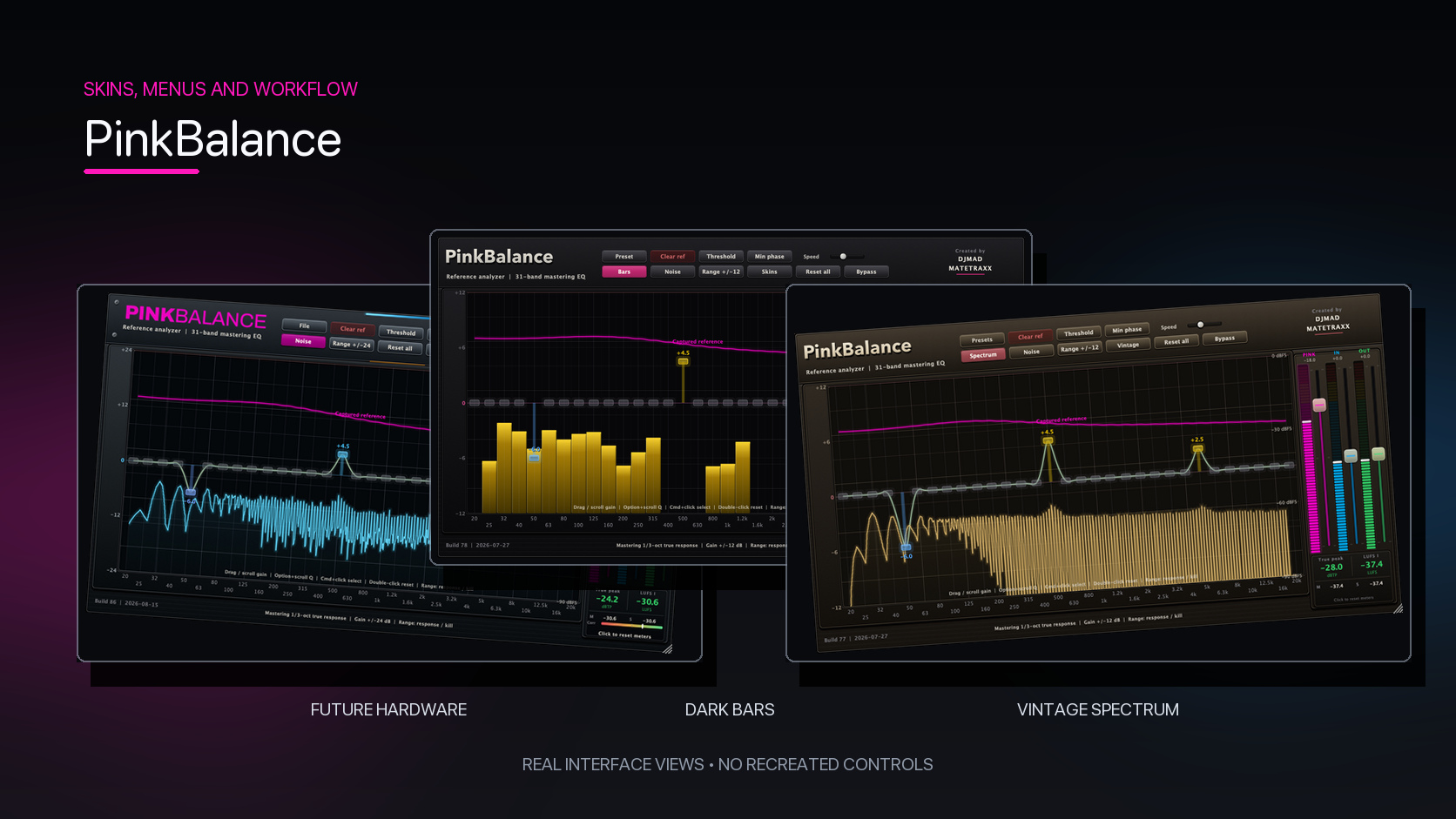
Five complete finishes are included. Branding and the pink reference line remain consistent while the chassis, meters, and analyzer treatment follow each palette.
Professional analysis and mastering features
- Calibrated 31-band one-third-octave mastering response
- Optional Surgical Q12 response and individual-band kill
- Weighted pink target and captured reference curves
- Bars and Spectrum views from the same analyzer data
- True-peak metering based on ITU-R BS.1770-5
- Momentary, Short-term, and Integrated loudness
- Stereo correlation metering
- Minimum-phase mode for no added processing delay
- Linear-phase mode for mastering and export
- Delta monitoring to hear only the processing difference
- Adaptive per-band threshold without compressor ratio or makeup gain
- Session recall for EQ, reference, view, skin, and window size
- AU and VST3 formats
- Apple Silicon and Intel Mac compatibility
Find the balance. Keep the decision yours.
Reference, analyze, shape, and verify from one professional interface.